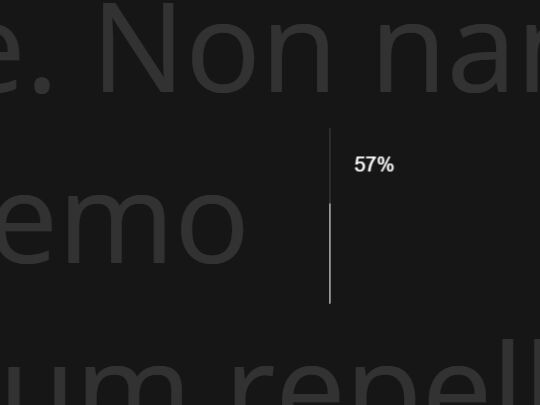
jQuery Plugin To Display A Reading Progress Indicator On Scroll
| File Size: | 6.16 KB |
|---|---|
| Views Total: | 3997 |
| Last Update: | |
| Publish Date: | |
| Official Website: | Go to website |
| License: | MIT |
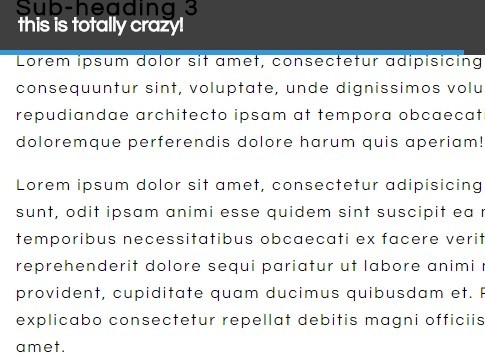
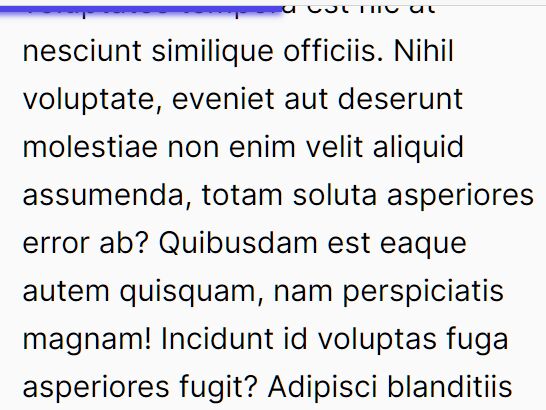
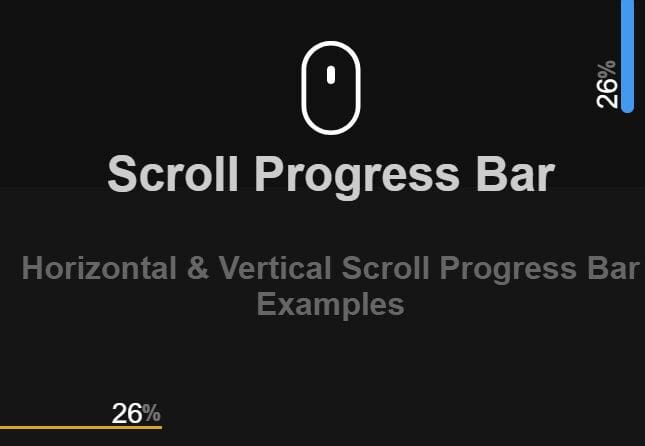
progressScroll is a jQuery plugin that creates a reading indicator for your long webpage to indicate the scroll progress and the current content section you're viewing.
See also:
- Creating A Circular Reading Progress Indicator with jQuery and SVG
- jQuery Plugin For Simple Scroll Position Indicator - Scrolline.js
How to use it:
1. Load the jquery.progressScroll.js script after your jQuery library, but before the closing body tag.
<script src="//ajax.googleapis.com/ajax/libs/jquery/1.11.2/jquery.min.js"></script>
<script src="scripts/jquery.progressScroll.js"></script>
2. Call the function on the container where you wish to show a reading progress indicator.
$('.wrapper').progressScroll({
  // OPTIONS HERE
});
3. Custom options for the reading progress indicator.
$('.wrapper').progressScroll({
  fontSize : 20,
  fontFamily : 'sans-serif',
  color : '#009ACF',
  height : '5px',
  textArea : 'dark',
});
This awesome jQuery plugin is developed by deartrudence. For more Advanced Usages, please check the demo page or visit the official website.