10 Best Mega Menu Systems In JavaScript And Pure CSS (2026 Update)
What Is Mega Menu
A mega menu is a great way to show off a lot of content without taking up too much space on the screen. They can also help improve navigation for users, making it easier to find what they're looking for.
Typically, a mega menu organizes tons of sub-categories in a multi-column menu dropdown and displays them when hovering/clicking the main category.
The Best Mega Menu
In this post, we'll take a look at a list of 10 best (top-downloaded) mega menu navigation systems implemented in jQuery/Vanilla JavaScript or even Pure HTML/CSS. We'll also explore some of the features and benefits of mega menus. So, if you're looking for some inspiration for your next project, be sure to check out these awesome mega menus!
Originally Published Aug 04 2019, updated Jan 17 2026
Table of contents:
jQuery Mega Menu Plugins:
Modern Dropdown Mega Menu In jQuery And CSS3
A responsive, stylish, mobile-friendly mega menu (multi-column dropdown menu) built using JavaScript (jQuery), CSS/CSS3, and nested HTML lists.
The mega menu pushes horizontal menu items to a multi-level hamburger toggle menu when the maximum screen width is reached (min-width: 992px).

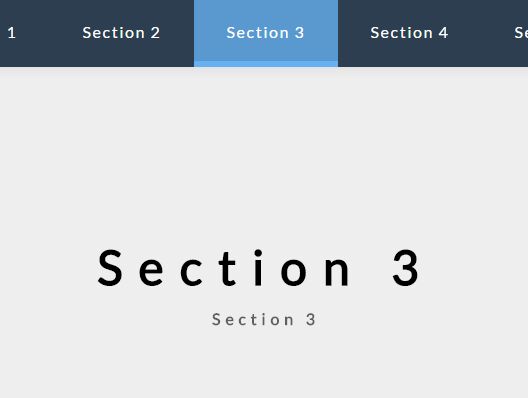
Cross-platform Multi-level Dropdown Menu - Vegas Nav
A JavaScript-powered cross-platform navigation system to help you create a responsive, mobile-friendly, multi-level dropdown navbar for your web app.
- Collapses the navbar into an off-canvas side nav on small screens.
- Supports desktop, laptop, tablet, and mobile.
- Supports multi-column mega menu.
- Ultra light and dead simple to use.
- Semantic and SEO-friendly. Built with nested HTML lists.
- Without 3rd-party dependencies (v3+).
- Scrollspy functionality (v3+).
Responsive Sticky Mega Menu Plugin For jQuery - SnazzyMenu
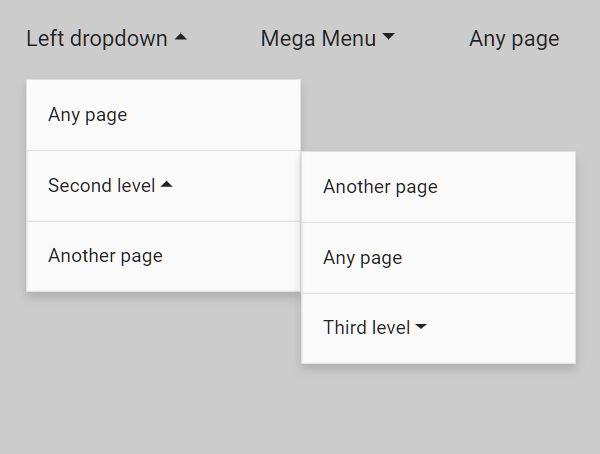
A lightweight yet customizable jQuery plugin that makes it easy to create a responsive, sticky, multi-level mega menu for your site navigation.
It automatically converts the dropdown mega menu into a hamburger navigation on mobile or tablet devices. You can easily customize the breakpoint in JavaScript.
Responsive Multi-level Mega Menu Plugin - jQuery dmenu
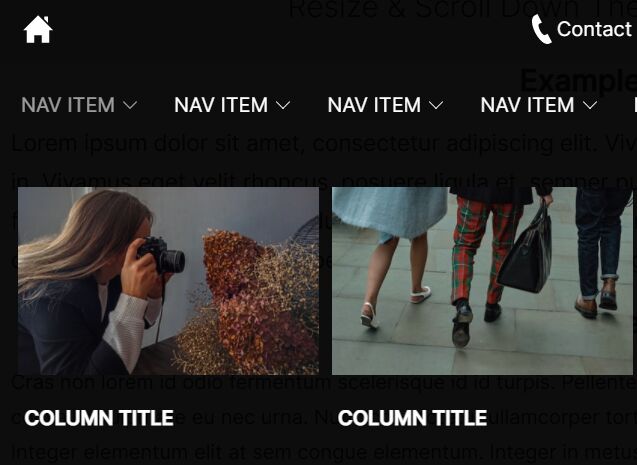
A jQuery plugin for creating a responsive, multi-level and multi-column mega menu that hides the overflowing navigation items in a vertical dropdown with a toggle control.
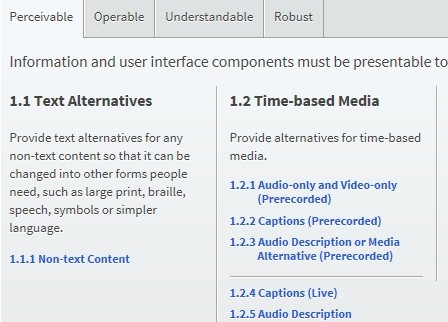
Creating An Accessible Mega Menu with jQuery and CSS3
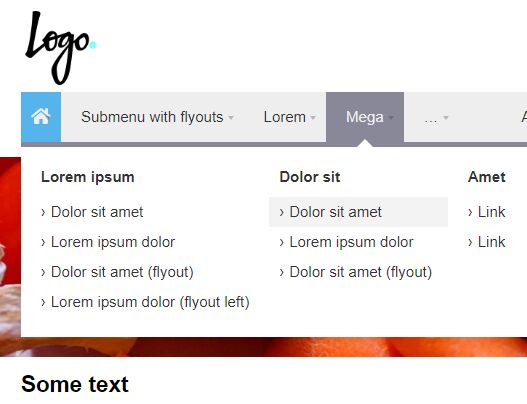
A jQuery navigation plugin for creating a keyboard and screen reader accessible mega menu on website which involves a lot of pages and/or products.
Vanilla JS Mega Menu Plugins:
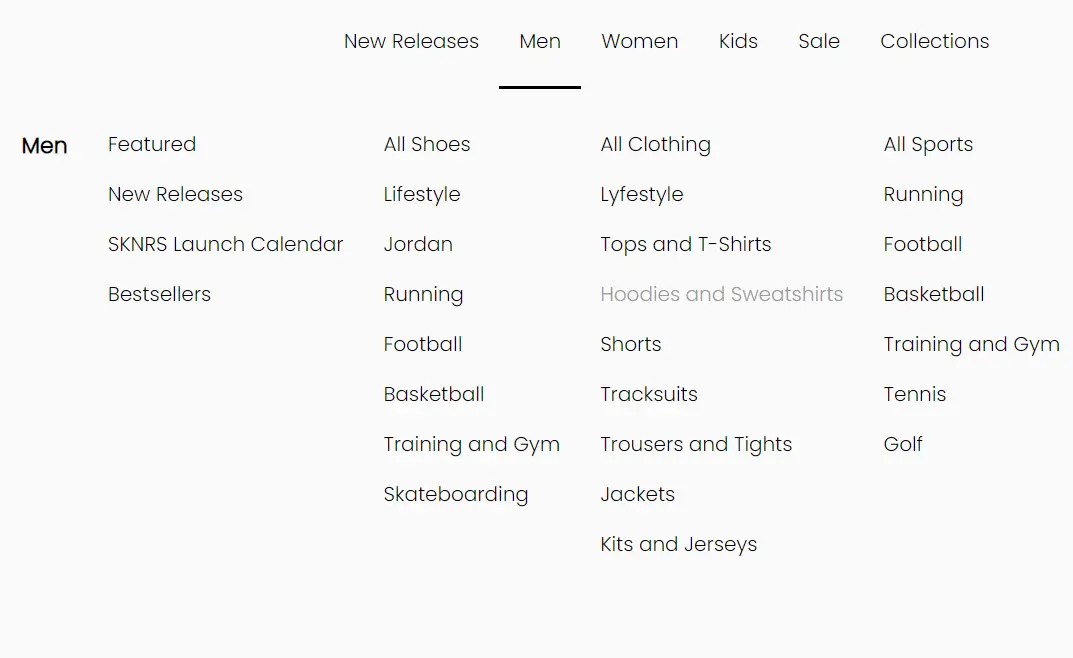
Responsive Mega Menu In JavaScript
A modern, responsive mega menu template for online stores. Written in Pure JavaScript and CSS/CSS3.
When the screen size is smaller than 992px, the mega menu will be collapsed into a multi-level sidebar menu, which is togglable with a hamburger button.

Responsive Dropdown Mega Menu In JavaScript
A fully responsive, mobile-friendly dropdown mega navigation written in JavaScript, CSS, and Material Icons.
It automatically transforms the navbar into a vertical accordion menu with a hamburger button for a better experience on mobile devices.
Stripe.com Inspired Dropdown Mega Menu With JavaScript
An animated dropdown mega menu that animates menu items when switching between nav links. Inspired by Stripe.com’s header navigation.

Pure CSS Mega Menu Systems:
Creating A Simple Mega Menu with Pure HTML / CSS
A pure Html / CSS dropdown navigation which helps you implement a multi-column mega menu for your rich-content website.

CSS Only Dropdown Mega Menu
A beautiful, animated, multi-level dropdown mega menu component created using nested HTML lists and pure CSS.

Conclusion:
Want more jQuery plugins or JavaScript libraries to create awesome Mega Menu on the web & mobile? Check out the jQuery Mega Menu and JavaScript/CSS Mega Menu sections.
See also:
- Best Responsive Menu jQuery Plugins
- Best Responsive Dropdown Menus
- Best Accordion Menu Components
- Best Circle Menu Plugins
- Best Off-canvas Mobile Menus
- Best Floating Action Button (Popup Menu) Plugins
- Best Fullscreen Navigation Plugins
- Best JavaScript & CSS Responsive Menus
- Best Mobile-friendly Off-canvas Navigation Systems
- Best Vue.js Menu Components To Improve App Navigation Experience