Minimal Animated Modal Popup Plugin For jQuery - JDialog
| File Size: | 20.2 KB |
|---|---|
| Views Total: | 1763 |
| Last Update: | |
| Publish Date: | |
| Official Website: | Go to website |
| License: | MIT |
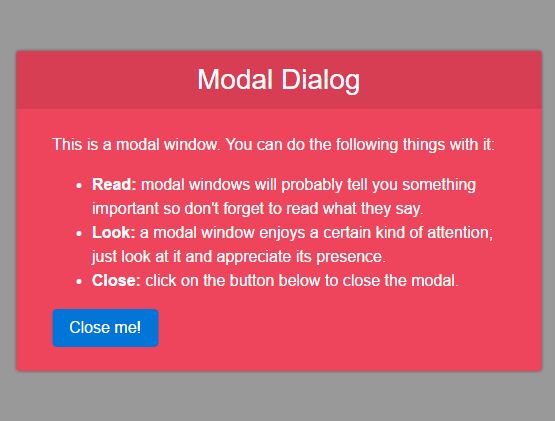
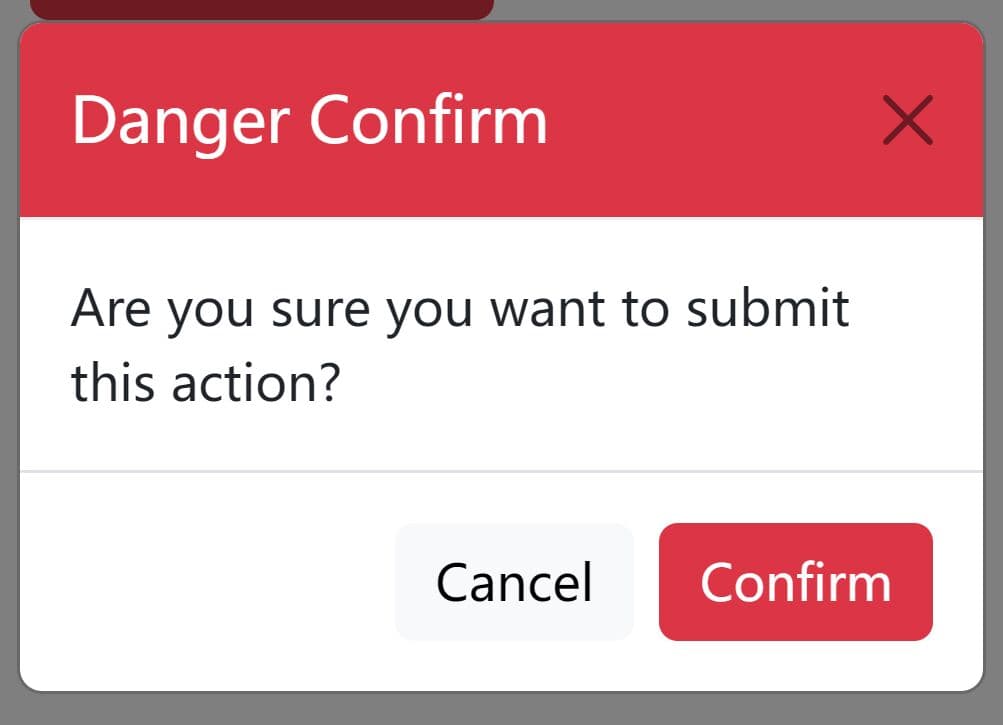
JDialog is an extremely lightweight (1kb minified) jQuery popup plugin used for generating customizable, animated, responsive modal windows from any html blocks within the document. Currently comes with 4 CSS3 powered animation types: fadeIn, Sticky-up, flip and slideIn. Works perfectly on modern browsers which have CSS3 transitions and transforms support.
How to use it:
1. Insert your content to the modal window like this:
<div class="jDialog" id="dialog-demo">
  <div class="content">
    <h3>Modal Dialog</h3>
    <div>
      <p>This is a modal window. </p>
      <button data-dismiss="JDialog" id="test">Close</button>
    </div>
  </div>
</div>
2. Create a button to trigger the modal window.
<button data-toggle="JDialog" data-target="dialog-demo">Toggle</button>
3. Load jQuery library and the jQuery JDialog plugin's files in the html page.
<link href="dist/jdialog.min.css" rel="stylesheet">
<script src="//code.jquery.com/jquery-3.1.0.min.js"></script>
<script src="dist/jdialog.min.js"></script>
4. Initialize the plugin and specify the CSS class used to style the modal window.
$("#dialog-demo").jDialog({
  skinClassName: 'demo'
});
5. Style the modal window using your own CSS rules.
.demo {
  background: #ee455d;
  color: white;
}

.demo .content h3 {
  text-align: center;
  background: rgba(0, 0, 0, 0.1);
  margin: 0;
  padding: 14px 0;
  font-size: 28px;
  font-weight: 100;
}

.demo .content > div {
  padding: 24px 36px;
  line-height: 1.5rem;
}

.demo .content > div .button {
  display: block;
  margin: 24px auto 0;
}
6. Change the default animation.
$("#dialog-demo").jDialog({

  // or 'sticky-up', 'slide-in', 'flip'
  animationType: 'fade-in'

});
7. Disable the background overlay when the modal window opens.
$("#dialog-demo").jDialog({

  allowOverlay: false

});
This awesome jQuery plugin is developed by lancebiu. For more Advanced Usages, please check the demo page or visit the official website.