Multi-functional jQuery Off-canvas Navigation Plugin - Sidy.js
| File Size: | 284 KB |
|---|---|
| Views Total: | 9198 |
| Last Update: | |
| Publish Date: | |
| Official Website: | Go to website |
| License: | MIT |
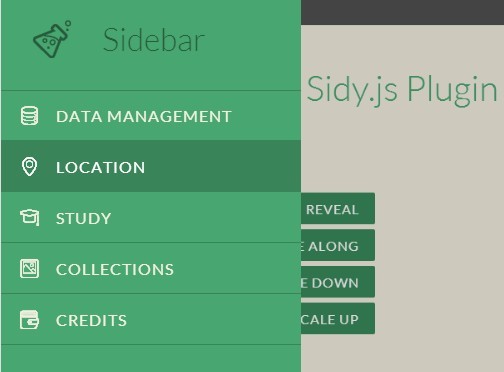
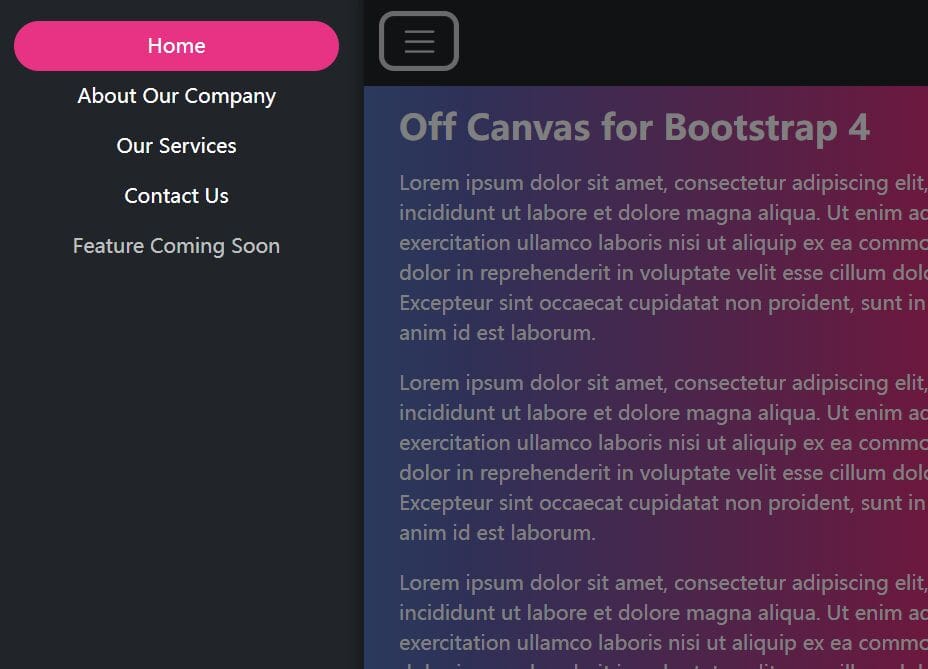
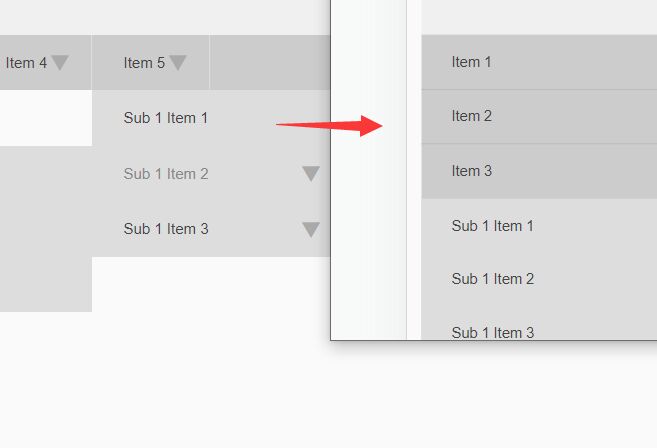
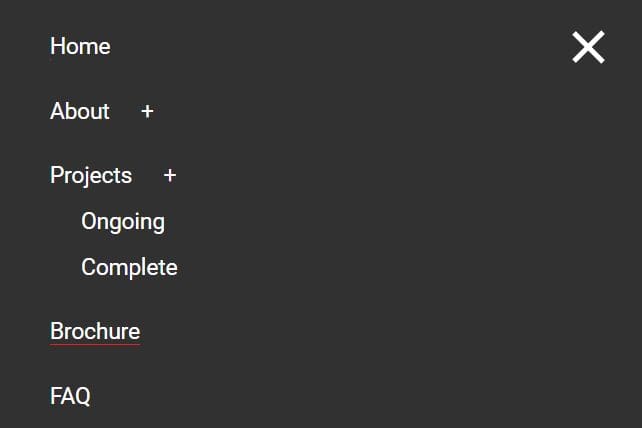
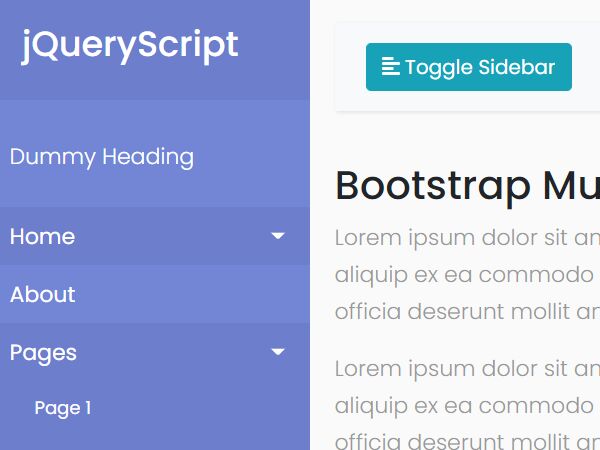
Sidy.js is a multi-functional jQuery navigation plugin to create mobile-friendly, app look-alike off-canvas/push/slide/reveal menus with cool CSS3 animations.
Basic Usage:
1. Load the required component.css in the document head section.
<link href="src/css/component.css" rel="stylesheet">
2. Load the jQuery slidy.js plugin after your jQuery library.
<script src="//ajax.googleapis.com/ajax/libs/jquery/2.1.3/jquery.min.js"></script>
<script src="src/js/sidy.js"></script>
3. Create a navigation for the off-canvas menu and use Html data-* attributes to specify the slide effects.
data-position: left, right, top or bottomdata-size: the width of your navigation menudata-fx: slide_overlay, reveal, push, slide_along, slide_reverse, scale_down or scale_up
<nav
  data-position="left"
  data-size="30%"
  data-fx="slide_overlay"
  class="sidy__panel" id="demo"
>
  <h2 class="icon icon-lab">Sidebar</h2>
  <ul>
    <li><a class="icon icon-data" href="#">Data Management</a></li>
    <li><a class="icon icon-location" href="#">Location</a></li>
    <li><a class="icon icon-study" href="#">Study</a></li>
  </ul>
</nav>
4. Create a button to toggle the off-canvas navigation.
<button data-panel="panel-demo">Open</button>
Change log:
2015-01-08
- Fix some bugs
This awesome jQuery plugin is developed by reactivestudio. For more Advanced Usages, please check the demo page or visit the official website.