Minimalist Table Of Contents Generator - jQuery menu-builder
| File Size: | 13.6 KB |
|---|---|
| Views Total: | 677 |
| Last Update: | |
| Publish Date: | |
| Official Website: | Go to website |
| License: | MIT |
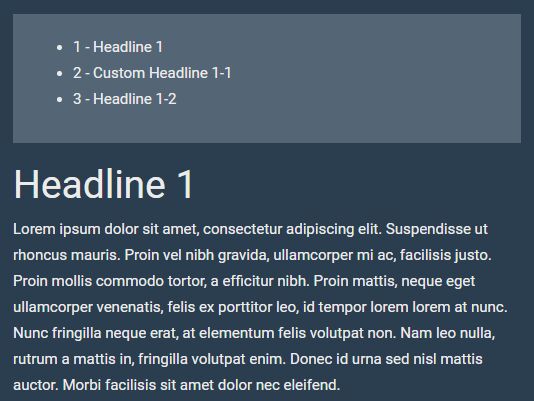
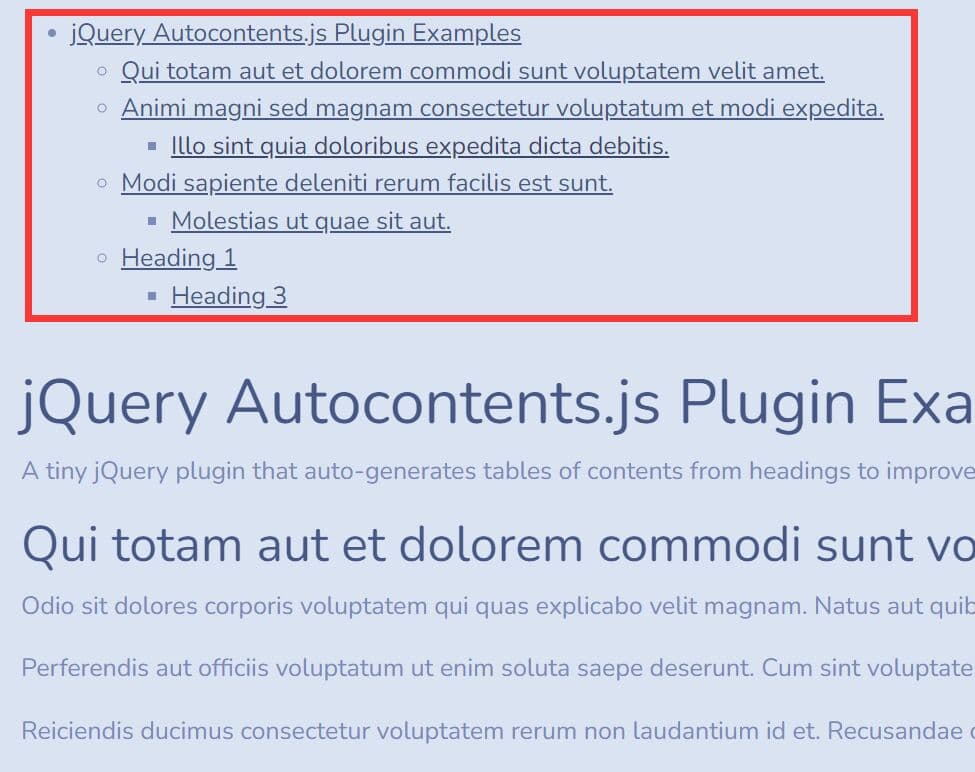
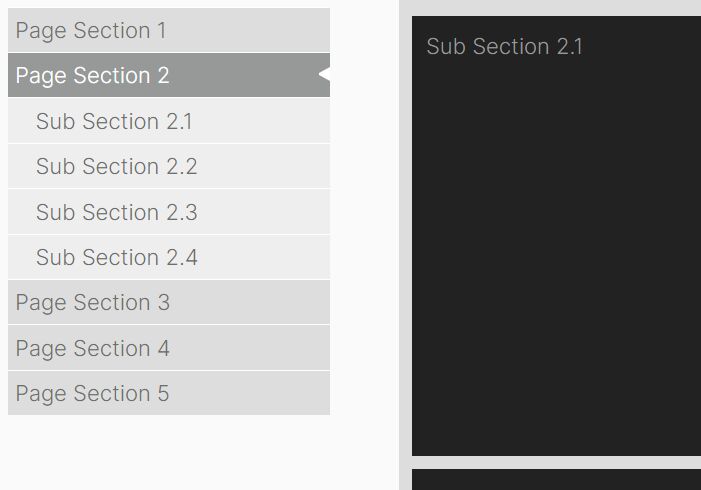
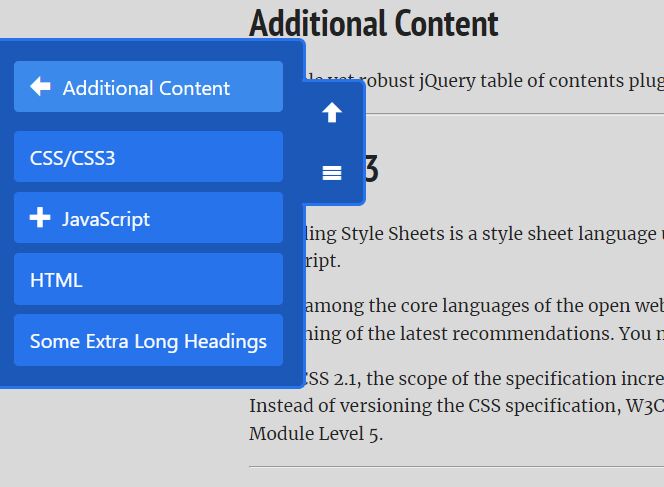
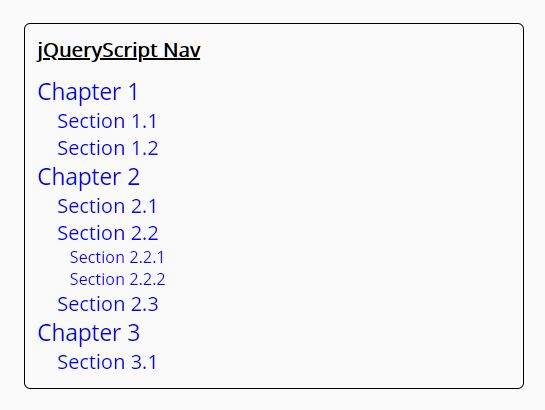
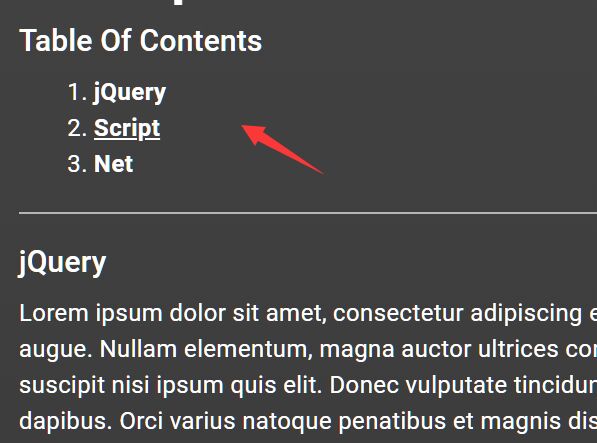
menu-builder is an extremely lightweight (<1kb minified) jQuery plugin that automatically generates a wiki like, html list based table of contents for your long webpage to improve user experience and your site's SEO.
How to use it:
1. Add the 'data-menu' attribute to the heading elements within your document.
<h1 data-menu>Headline 1</h1>
<h2 data-menu>Headline 2</h2>
<h3 data-menu>Headline 3</h3>
...
2. You can also customize the headlines displayed in the table of contents.
<h2 data-menu="Custom Headline 2">Headline 2</h2>
3. Create an empty element that will be severed as the container for the table of contents.
<div id="menu"></div>
4. Include both jQuery library and the menu builder's script at the bottom of the webpage.
<script src="//code.jquery.com/jquery.min.js"></script>
<script src="menu-builder.js"></script>
5. Initialize the menu builder and you're done.
$('#menu').menuBuilder();
6. This will generate a basic navigation list inside the container you just created:
<div id="menu">
  <ul>
    <li>1 - Headline 1</li>
    <li>2 - Custom Headline 1-1</li>
    <li>3 - Headline 1-2</li>
  </ul>
</div>
This awesome jQuery plugin is developed by PartBerlin. For more Advanced Usages, please check the demo page or visit the official website.