Detecting Scroll Direction With jQuery - scrollDirection
| File Size: | 5.01 KB |
|---|---|
| Views Total: | 812 |
| Last Update: | |
| Publish Date: | |
| Official Website: | Go to website |
| License: | MIT |
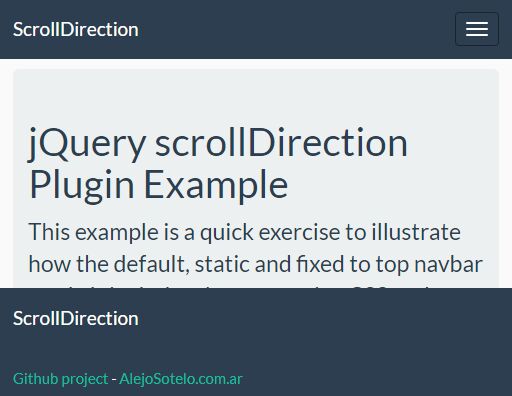
scrollDirection is a jQuery plugin that tracks the scroll direction and executes corresponding functions as the scroll up/down events are completely finished.
See also:
How to use it:
1. To use this plugin, you need to load the jQuery scrollDirection plugin's script after jQuery.
<script src="//code.jquery.com/jquery.min.js"></script>
<script src="scrolldirection.js"></script>
2. The JavaScript syntax.
$(document).onScrollDown(function(){
  console.log('scrolldown');
});

$(document).onScrollUp(function(){
  console.log('scrollup');
});

$(document).scrollDirection(function(dir){
  console.log(dir);
});
3. Use this plugin to create a smart header navigation that auto reveals/hides depending on the scroll position.
<nav id="header" class="navbar">
  Header navigation here
</nav>
var $header = jQuery('#header');

jQuery(document).onScrollUp(function()
{
  if ($header.hasClass('slideUp'))
    $header.removeClass('slideUp');
});

jQuery(document).onScrollDown(function()
{
  if (!$header.hasClass('slideUp'))
    $header.addClass('slideUp');
});
.slideUp{
  top: -70px;
}

.slideDown{
  bottom: -70px;
}

#header{
  -moz-transition: top 200ms ease-in-out;
  -webkit-transition: top 200ms ease-in-out;
  -ms-transition: top 200ms ease-in-out;
  -o-transition: top 200ms ease-in-out;
  transition: top 200ms ease-in-out;
}
This awesome jQuery plugin is developed by alejoasotelo. For more Advanced Usages, please check the demo page or visit the official website.