Minimal jQuery Plugin For Handling Bootstrap Alerts - BS3 Alerts
| File Size: | 4.93 KB |
|---|---|
| Views Total: | 675 |
| Last Update: | |
| Publish Date: | |
| Official Website: | Go to website |
| License: | MIT |
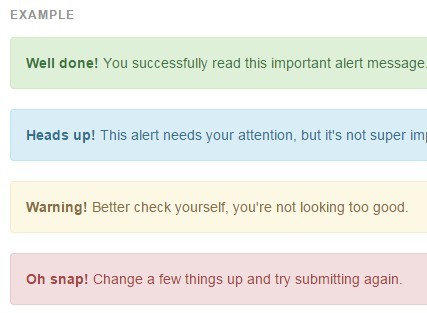
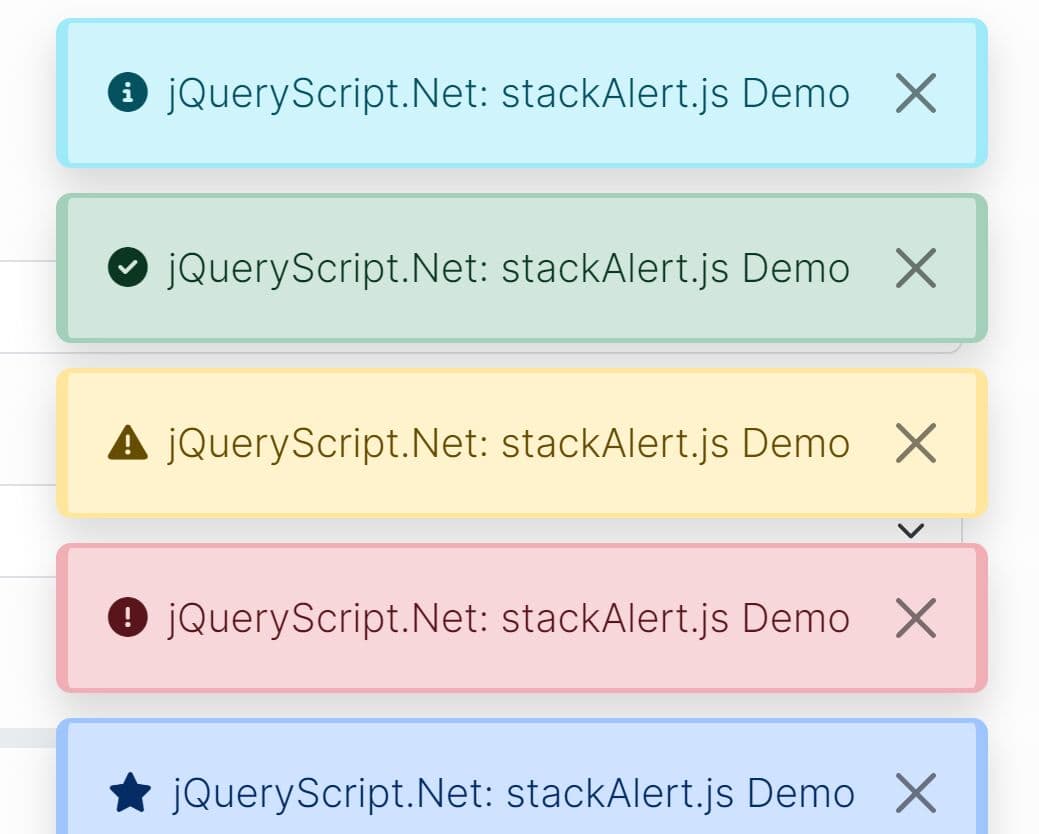
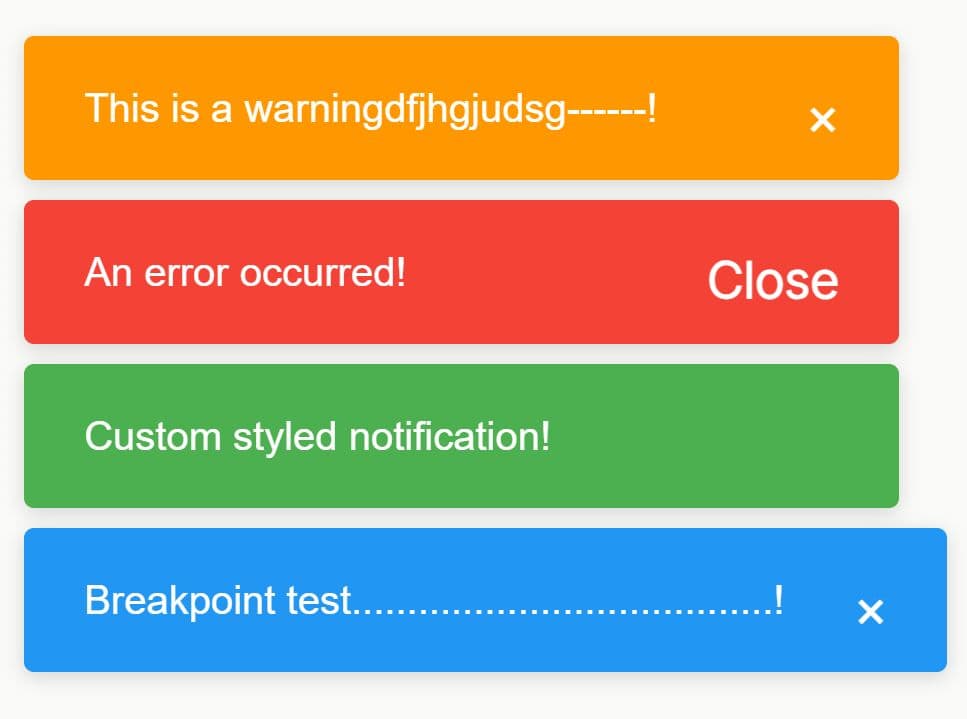
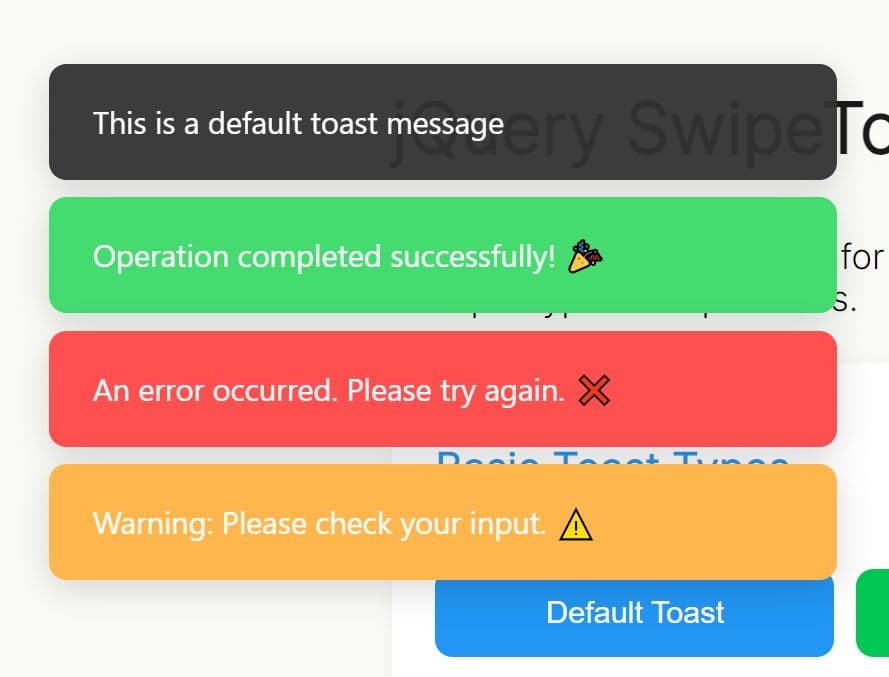
BS3 Alerts is a minimalist jQuery script that helps you display fix positioned notification messages using Bootstrap 3 Alerts component.
How to use it:
1. Include jQuery JavaScript library and Bootstrap 3 framework on your html page.
<link rel="stylesheet" href="bootstrap.min.css">
<script src="//code.jquery.com/jquery-1.11.3.min.js"></script>
<script src="bootstrap.min.js"></script>
2. Create a DIV container to display your alert messages.
<div id="alert" class="hide"></div>
3. The JavaScript to display a default alert message inside the DIV container you just created.
// bs3Alerts(idtag, title, message, type, showx, timeout)
bs3Alerts("#alert", "TITLE", "MESSAGE", "warning", "1", "3000");
4. Available parameters.
idtag: target container.title: notification title.message: notification messages.type: Bootstrap alert type: into, warning, success and dangershowx: Display close icon. 1 = true, 0 = falsetimeout: timeout for auto dismiss
This awesome jQuery plugin is developed by atlantawebco. For more Advanced Usages, please check the demo page or visit the official website.