jQuery Plugin For Form Elements Replacement - controlReplace
| File Size: | 15.8 KB |
|---|---|
| Views Total: | 1405 |
| Last Update: | |
| Publish Date: | |
| Official Website: | Go to website |
| License: | MIT |
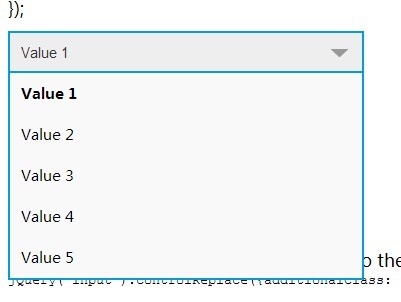
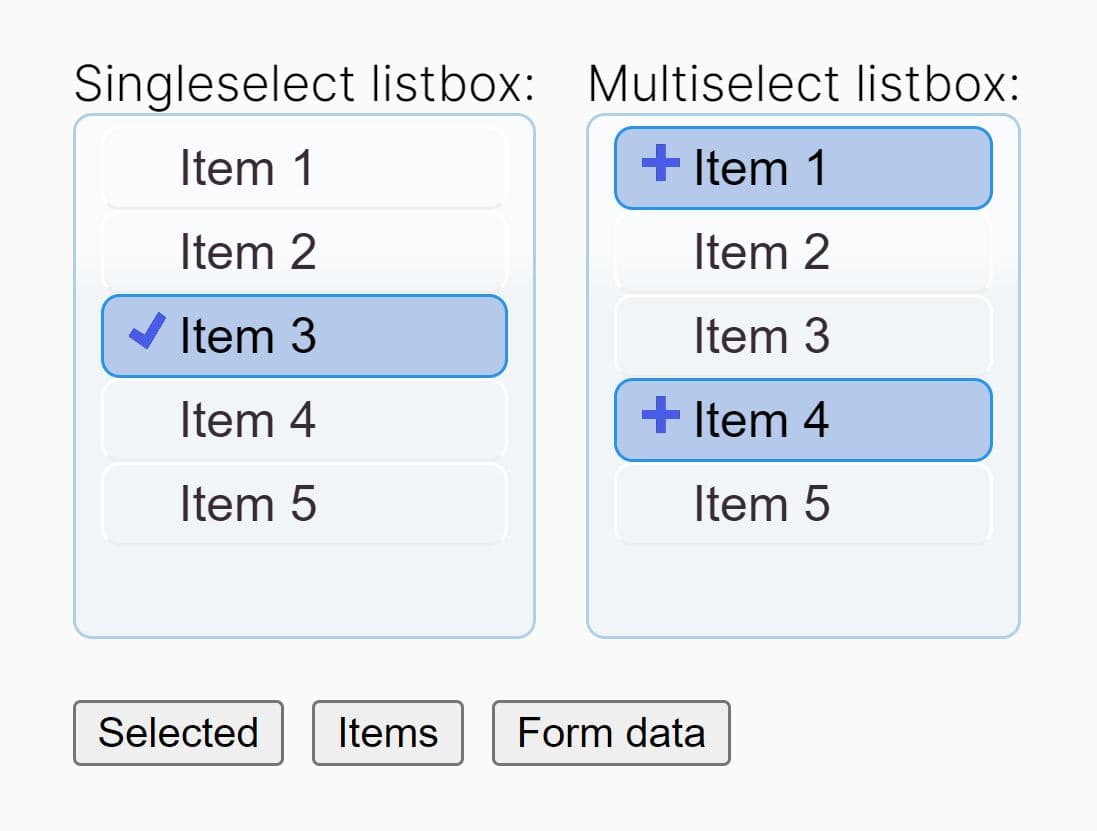
controlReplace is a simple jQuery plugin that makes the form elements (checkboxes, radio buttons, and selects) fully customizable via CSS.
More examples:
How to use it:
1. Load the jQuery javascript library from a CDN.
<script src="//ajax.googleapis.com/ajax/libs/jquery/1.11.1/jquery.js"></script>
2. Load the jQuery controlReplace plugin after jQuery library.
<link rel="stylesheet" href="css/control.replace.css">
<script src="jquery.control.replace.js"></script>
3. Put your form elements in an extra DIV element with CSS class of 'control'. All the form elements needs at least an 'id' to be replaced.
<div class="control">
  <input id="demo1" name="group_input1" type="checkbox" class="demo" value="ex1">
  <label for="demo1">Element Label 1</label>
</div>
<div class="control">
  <input id="demo2" name="group_input2" type="checkbox" class="demo" value="ex2">
  <label for="demo2">Element Label 2</label>
</div>
<div class="control">
  <input id="demo3" name="group_input3" type="checkbox" class="demo" value="ex2">
  <label for="demo3">Element Label 3</label>
</div>
4. Initialize the plugin and you're done.
jQuery(document).ready(function(){
jQuery("input.demo").controlReplace();
});
5. Options and defaults.
// Adds one or more additional css classes to the replacement element.
additionalClass: null,

// A callback function; will be thrown on value change.
onChange: null,

afterReplace: null,

// Set css style options to the original element.
inputCss: {
  position: "absolute",
  top: 2,
  left: 2
}
Change log:
v0.3.2 (2016-04-08)
- update
v0.1.3 (2014-08-19)
- update
v0.1.2 (2014-07-09)
- update
This awesome jQuery plugin is developed by eisbehr-. For more Advanced Usages, please check the demo page or visit the official website.