Google Toolbar-Style Dropdown Menu with jQuery and CSS3
| File Size: | 4.06 KB |
|---|---|
| Views Total: | 5912 |
| Last Update: | |
| Publish Date: | |
| Official Website: | Go to website |
| License: | MIT |
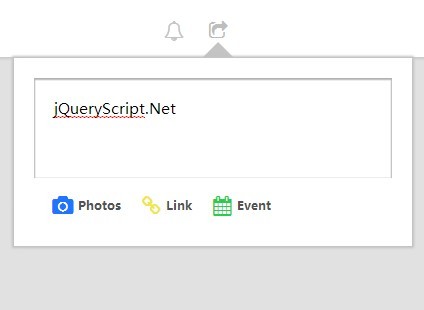
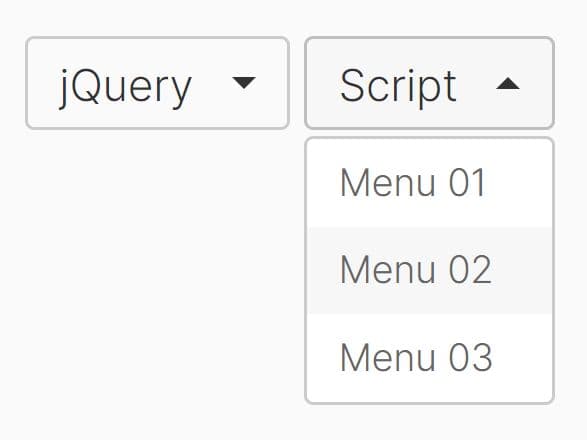
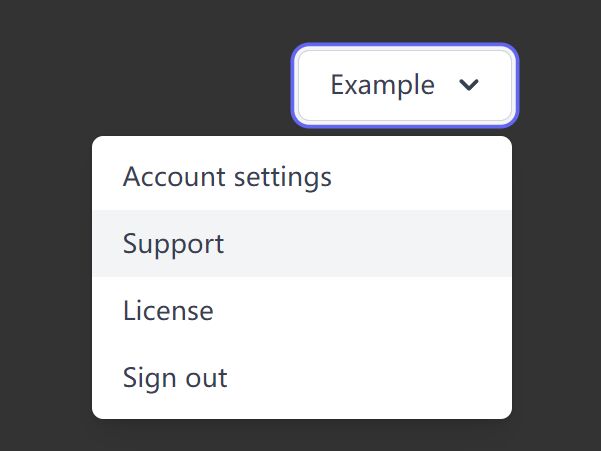
A minimalist jQuery dropdown plugin which allows you to create a stylish toolbar drop down menu/panel as you seen on some Google Applications.
Basic Usage:
1. Create a dropdown with a toggle label inside your header/toolbar.
<header>
  <div class="fim-dropdown">
    <label>Toggle label</label>
    <div class="inner">
      Inner content
    </div>
  </div>
</header>
2. The basic CSS to style the drop down menu/panel.
.fim-dropdown {
  display: inline-block;
  vertical-align: middle
}

.fim-dropdown>label {
  -webkit-user-select: none;
  -moz-user-select: none;
  -ms-user-select: none;
  user-select: none;
  display: inline-block;
  position: relative;
  cursor: pointer;
  font-size: 20px;
  -webkit-transition: all .2s;
  transition: all .2s;
  padding: 0 10px;
  color: #c5c5c5
}

.fim-dropdown>label:hover { color: #151515 }

.fim-dropdown>label:after {
  content: "";
  display: block;
  width: 0;
  border-left: 15px solid transparent;
  border-right: 15px solid transparent;
  border-bottom: 15px solid #c4c4c4;
  position: absolute;
  bottom: -15px;
  left: 3.5px;
  visibility: hidden
}

.fim-dropdown>input { display: none }

.fim-dropdown.active>label { color: #202020 }

.fim-dropdown.active>label:after { visibility: visible }

.fim-dropdown>.inner {
  -webkit-box-sizing: border-box;
  -moz-box-sizing: border-box;
  box-sizing: border-box;
  position: fixed;
  width: 400px;
  padding: 20px;
  background: white;
  -webkit-box-shadow: 0px 0px 2px 1px #c4c4c4;
  box-shadow: 0px 0px 2px 1px #c4c4c4;
  border: 1px solid #c4c4c4;
  visibility: hidden;
  margin-top: 15px;
  text-align: center
}

.fim-dropdown.active .inner { visibility: visible }
3. Include the latest version of jQuery JavaScript library into your document.
<script src="http://ajax.googleapis.com/ajax/libs/jquery/2.1.1/jquery.min.js"></script>
4. The JavaScript(jQuery) to active the drop down menu/panel.
$(document).ready(function(){
  $(".fim-dropdown > label").click(function(){
    $(".fim-dropdown").not($(this).parent()[0]).removeClass('active');

    $(this).parent().toggleClass('active');
    return false;
  });

  $(document).click(function(e){
    that = e.target;
    if ($(that).closest(".fim-dropdown").length < 1 && !$(that).hasClass("fim-dropdown")) $(".fim-dropdown").removeClass('active');
  });


  $(window).on("load resize",function(){
    $(".fim-dropdown > .inner").each(function(){
      var src = $(this).parent().children("label");
      // Position
      var left = src.offset().left + src.outerHeight()/2 - $(this).outerWidth()/2;
      if (left + $(this).outerWidth() > $(window).width()) {
        left = $(window).width() - $(this).outerWidth();
      }
      if (left < 0) left = 0;

      $(this).css({
        left: left,
        top: top
      });
    });
  });
});
This awesome jQuery plugin is developed by rubenschmidmeister. For more Advanced Usages, please check the demo page or visit the official website.