Simple Off-canvas Sidebar Navigation Plugin with jQuery
| File Size: | 16.2 KB |
|---|---|
| Views Total: | 15454 |
| Last Update: | |
| Publish Date: | |
| Official Website: | Go to website |
| License: | MIT |
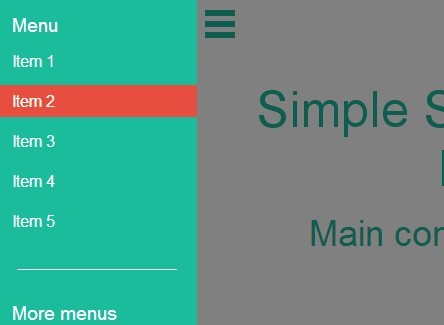
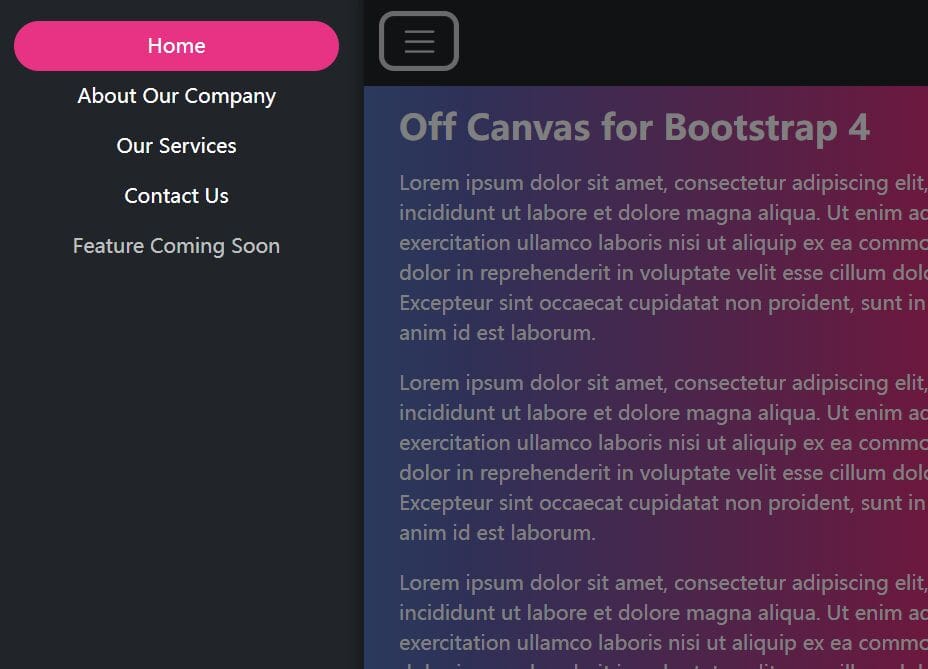
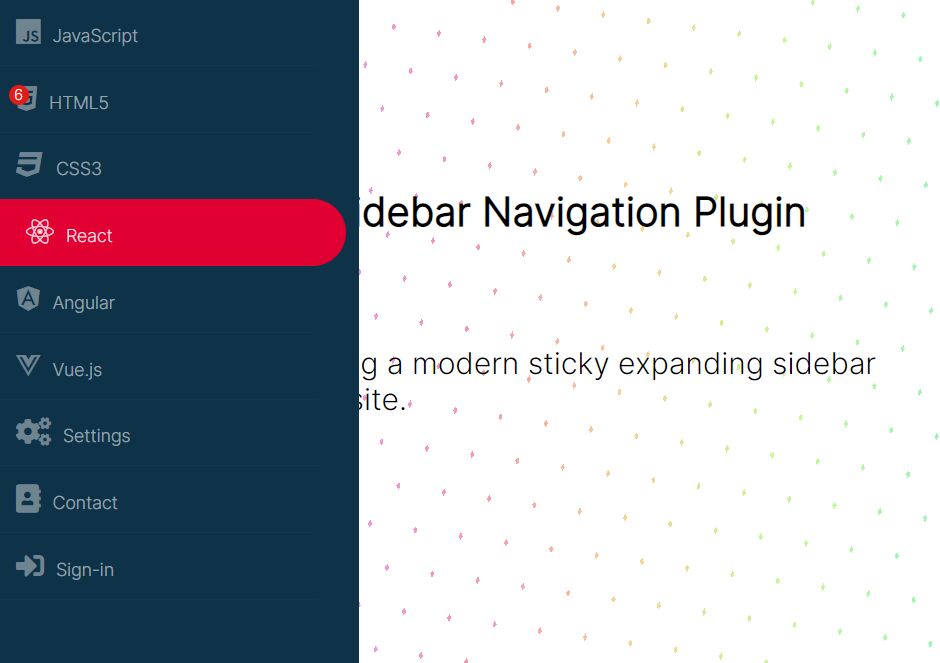
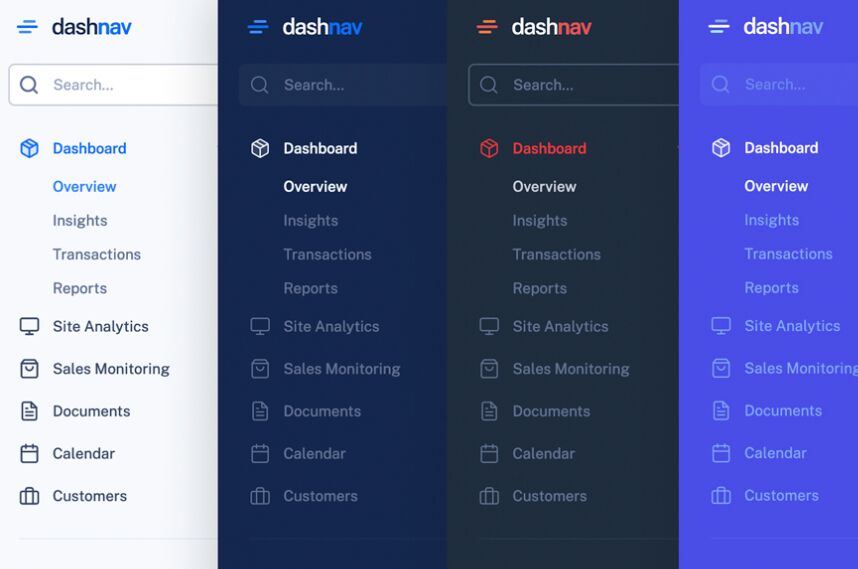
Simple Sidebar is a lightweight and highly customizable jQuery plugin for creating an off-canvas sidebar navigation sliding out from the left/right side of your browser window. When you click the toggle icon, the plugin pushes your main content to the left/right and generates a mask laying over the document content with a smooth fade-in animation. This project is licensed under the GPL 2.0.
How to use it:
1. Include the necessary jQuery library and the jQuery simple sidebar plugin in the document.
<script src="http://ajax.googleapis.com/ajax/libs/jquery/1.11.1/jquery.min.js"></script>
<script src="jquery.simplesidebar.js"></script>
2. Include the optional jQuery UI for easing effects.
<script src="jquery.simplesidebar.js"></script>
3. Create a toggle button to open the sidebar navigation.
<div class="toolbar">
  <div id="open-sb" class="menu-button menu-left"></div>
</div>
4. The sample CSS for the toggle button.
.toolbar {
  position: fixed;
  top: 0;
  left: 0;
  right: 0;
  background-color: transparent;
  line-height: 68px;
  border-top: 2px solid #1abc9c;
}

.menu-button {
  position: relative;
  margin: 5px;
  height: 36px;
  width: 36px;
  cursor: pointer;
}

.menu-button:before {
  content: "";
  position: absolute;
  top: 5px;
  right: 3px;
  border-bottom: 17px double #1abc9c;
  border-top: 6px solid #1abc9c;
  width: 30px;
  height: 5px;
}

.menu-left {
  float: left;
  margin-right: 1.5em;
}
4. Create a sidebar navigation as follows.
<section class="sidebar">
  <nav>
    <h6>Menu</h6>
    <ul>
      <li><a href="#"> Item 1 </a></li>
      <li><a href="#"> Item 2 </a></li>
      <li><a href="#"> Item 3 </a></li>
      <li><a href="#"> Item 4 </a></li>
      <li><a href="#"> Item 5 </a></li>
    </ul>
    <hr>
    <h6>More menus</h6>
    <ul>
      <li><a href="#"> Item 6 </a></li>
      <li><a href="#"> Item 7 </a></li>
      <li><a href="#"> Item 8 </a></li>
      <li><a href="#"> Item 8 </a></li>
      <li><a href="#"> Item 10 </a></li>
    </ul>
  </nav>
</section>
5. The sample CSS to style the sidebar navigation.
.sidebar {
  margin: 0;
  padding-top: 1em;
  color: white;
  background-color: #1abc9c;
}

.sidebar h6 {
  margin: 0 .8em;
  padding: 0;
  font-weight: 300;
}

.sidebar li {
  margin: .5em 0;
  padding: 0 1em;
  line-height: 32px;
}

.sidebar li:hover { background-color: #e84e40; }

.sidebar hr {
  margin: 2em auto;
  border: 0;
  padding: 0;
  width: 80%;
  height: 1px;
  background-color: white;
}
6. Wrap the sidebar navigation and main content in a container element. The entire Html structure should be like this:
<div class="wrapper">
  <!--main content-->

  <div class="toolbar">
    <div id="open-sb" class="menu-button menu-left"></div>
  </div>

  <section class="sidebar">
    <nav>
      <!--Siderbar navigation-->
    </nav>
  </section>

</div>
7. Call the plugin and set the options for the sidebar navigation.
$( document ).ready(function() {
$( '.sidebar' ).simpleSidebar({
settings: {
  opener: '#open-sb',
  wrapper: '.wrapper',
  animation: {
    duration: 500,
    easing: 'easeOutQuint'
    }
  },
sidebar: {
  align: 'left',
  width: 200,
  closingLinks: 'a',
  }
});
});
8. Global settings
opener: undefined, // the selector that fire the animation.
wrapper: undefined, // the selector for the wrapper/container div/section that holds all content.
ignore: undefined, // the selector for all elements that must be ignored.
data: 'ssbplugin', // the data-attribute for the new elements that the plug-in creates.
animation: {
  duration: 500, // DURATION of the animation
  easing: 'swing' // easing of the animation. Requires jQuery UI or jQuery easing plugin.
}
9. All sidebar navigation settings.
align: undefined, // 'left', 'right'.
width: 350, // the WIDTH and MAXWIDTH of the $sidebar.
gap: 64, // the GAP between the end of the sidebar
closingLinks: 'a', // the selector that will fire the $sidebar closing animation.
style: { //  You can add more style here
  zIndex: 3000 // position the sidebar above ALL content and to position the "mask div" one level below the sidebar.
}
10. Mask settings
mask: {
  style: { //You can add more options.
    backgroundColor: 'black', // if you do not want any color use 'transparent'.
    opacity: 0.5, // if you do not want any opacity use 0.
    filter: 'Alpha(opacity=50)' // IE8 and earlier - If you do not want any opacity use 0.
}
}
Change logs:
2015-02-26
- v1.1.1
2014-08-05
- Fixed a bug about adding elements dynamically
2014-07-29
- update to 1.0.2
This awesome jQuery plugin is developed by dcdeiv. For more Advanced Usages, please check the demo page or visit the official website.