Lightweight Form Validation Plugin For jQuery - isform.js
| File Size: | 7.05 KB |
|---|---|
| Views Total: | 2411 |
| Last Update: | |
| Publish Date: | |
| Official Website: | Go to website |
| License: | MIT |
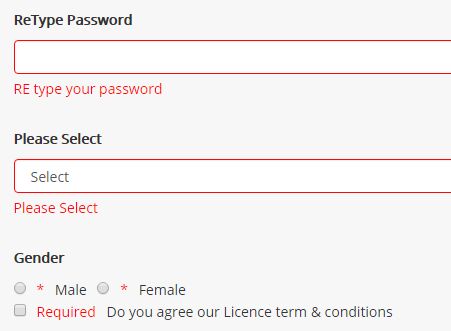
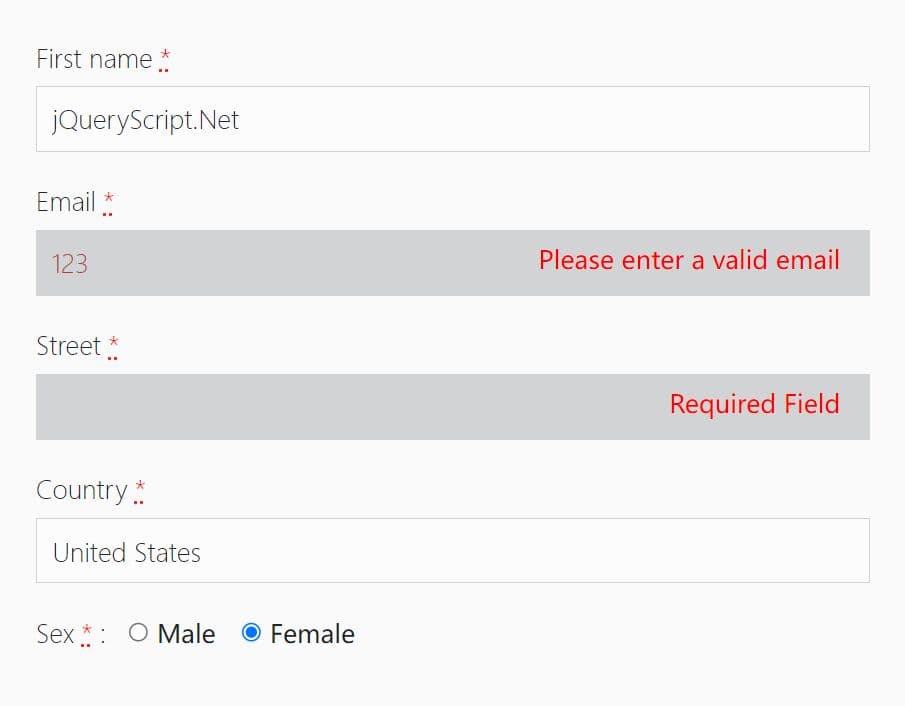
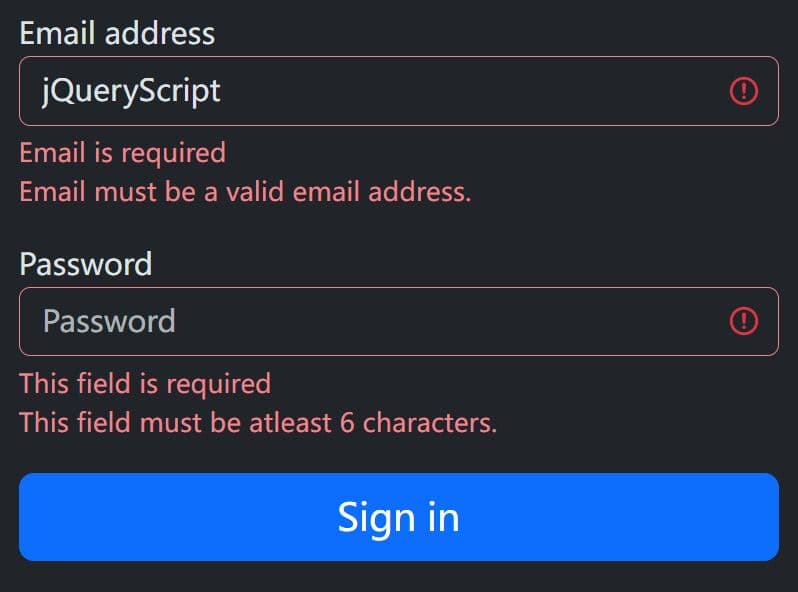
isform.js is a really small (~3kb minified) jQuery plugin that makes it easy to validate form fields and display custom error messages before submitting.
Validation rules included:
- Required field.
- Min/Max values.
- Is text.
- Is email.
- Is number.
- Checkbox/radio inputs and select box.
- Is matched.
How to use it:
1. Load the following JavaScript files into your html document and the isform.js is ready for use.
<script src="//code.jquery.com/jquery.min.js"></script>
<script src="js/isform.min.js"> </script>
2. Apply the validation rules to your form fields and customize the error message as these:
$('#form').on('submit', function(e){

  var fullname = new Input( $('#fname') , e);
      fullname.isRequired("Name is Required");
      fullname.setMin(5,"Name is too short");
      fullname.setMax(25, "Name is too Long");
      fullname.isText("Please make sure your name is TExt only");

  var username = new Input( $('#username') , e);
      username.isRequired("Username is Required");
      username.setMin(5, "Make sure your username is longer than 5 character");
      username.isText_nospace("User name must have a text only and no space");
      username.setMax(15, "Username is too long");

  var email = new Input( $('#email'), e);
      email.isRequired("Email is Required");
      email.isEmail("Not a Email");
      email.setMax(30, "Your email is too large");

  var password = new Input( $('#password'), e);
      password.isRequired("password is Required");
      password.setMax(30, "password is too large hard to remember");
      password.setMin(7, "Make sure your password length is greater than 7");

  var repassword = new Input( $('#re-password'), e);
      repassword.isEqualto($('#password'), "Re type password does not match");
      repassword.isRequired("RE type your password");
      repassword.setMax(30, "password is too large hard to remember");
      repassword.setMin(7, "Make sure your password length is greater than 7");


  var radio = new Input($('.gender'), e);
      radio.isRadio("*");

  var checkbox = new Input( $('#checkbox'), e);
      checkbox.isCheckbox("Required");

  var select = new Input($('#select'), e);
      select.isSelect("Please Select")

});
Change log:
2017-06-10
- Bug fixes and added more comments
This awesome jQuery plugin is developed by suryakhadka. For more Advanced Usages, please check the demo page or visit the official website.