Windows-style IP Address Input Control - IPv4 Input
| File Size: | 7.82 KB |
|---|---|
| Views Total: | 5734 |
| Last Update: | |
| Publish Date: | |
| Official Website: | Go to website |
| License: | MIT |
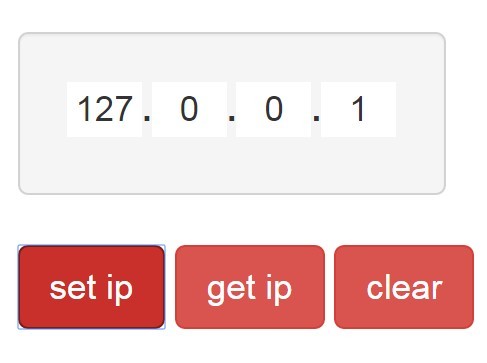
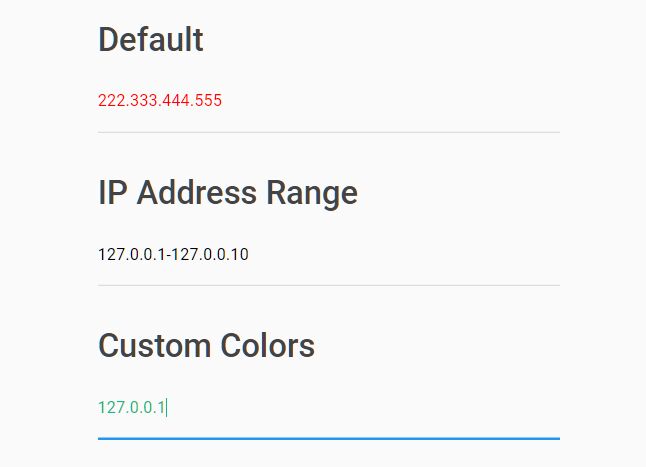
IPv4 Input is a lightweight jQuery plugin that converts regular text fields into a Windows-style IP address input control.
Features:
- Controls the format of IPv4 address.
- Prevents& the user from entering an invalid IP address
See also:
How to use it:
1. Place the jQuery IPv4 Input plugin in your document, after jQuery library.
<script src="jquery.min.js"></script>
<script src="js/ipv4_input.js"></script>
2. Create a container for the IPv4 input control.
<div id="demo"></div>
3. Call the function on the container and the plugin will generate four text fields to accept IP address input.
$("#demo").ipv4_input();
4. Add custom input styles.
.ipv4-input {
  display: inline-block;
  border: 1px rgb(210, 210, 210) solid;
}

.ipv4-input.selected { border-color: rgb(155, 155, 155); }

.ipv4-cell {
  border: none;
  width: 30px;
  text-align: center;
  outline: none;
}

.ipv4-dot { }
5. Advanced usage.
// set IP
 $("#demo").ipv4_input("value", "127.0.0.1");

// get IP
$("#demo").ipv4_input("value");

// clear the input
$("#demo").ipv4_input("clear");

// value validation
$("#demo").ipv4_input("valid");
Change log:
2015-12-12
- makes it able to set responsive via js code and set properties by passing an object
This awesome jQuery plugin is developed by greg-ku. For more Advanced Usages, please check the demo page or visit the official website.