jQuery Plugin To Check Image Resolution Before Uploading - checkImageSize.js
| File Size: | 5.44 KB |
|---|---|
| Views Total: | 10107 |
| Last Update: | |
| Publish Date: | |
| Official Website: | Go to website |
| License: | MIT |
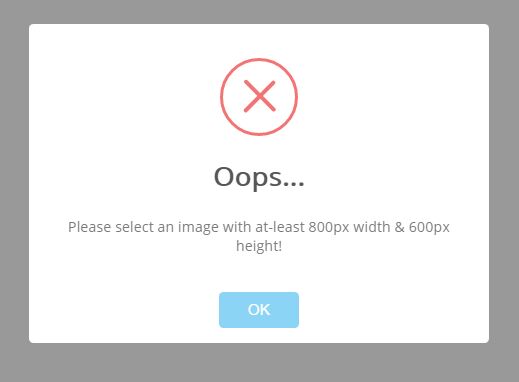
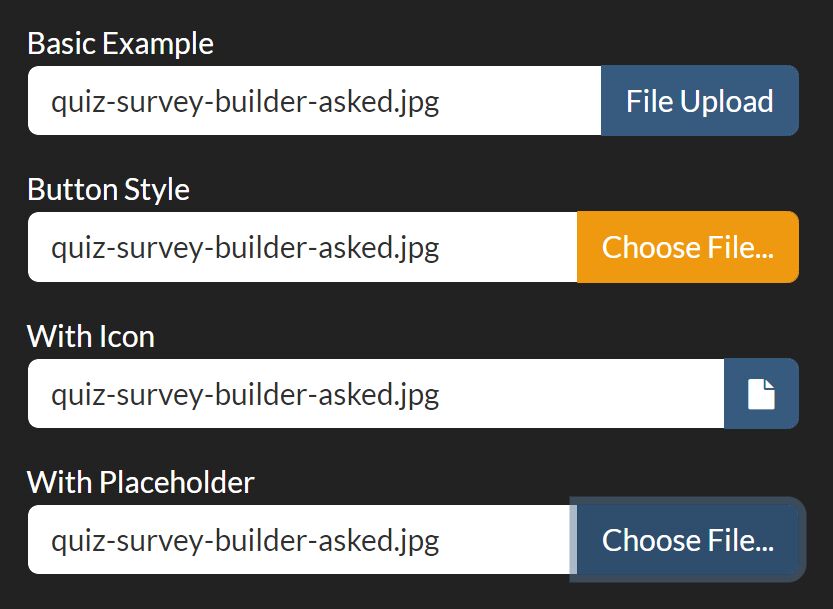
checkImageSize.js is a tiny yet useful jQuery plugin for file input that allows to validate the required Image Resolution (min/max height and width) before uploading.
How to use it:
1. Download and insert the JavaScript file jquery.checkImageSize.js after jQuery library as this:
<script src="//code.jquery.com/jquery.min.js"></script>
<script src="jquery.checkImageSize.js"></script>
2. Call the function checkImageSize() on the desired file input and done.
$("input[type=file]").checkImageSize();
3. Set the resolution requirement for your local image via data attributes.
<input type="file"
       data-min-width="800"
       data-min-height="600"
       data-max-width="8000"
       data-max-height="6000"
>
4. Or via JavaScript:
$("input[type=file]").checkImageSize({
  minWidth: 800,
  minHeight: 600,
  maxWidth: 8000,
  maxHeight: 6000,
  showError: true,
  ignoreError: false
});
This awesome jQuery plugin is developed by josephilipraja. For more Advanced Usages, please check the demo page or visit the official website.