Autocomplete Dropdown List Plugin For jQuery - Void Autocomplete
| File Size: | 20.9 KB |
|---|---|
| Views Total: | 1549 |
| Last Update: | |
| Publish Date: | |
| Official Website: | Go to website |
| License: | MIT |
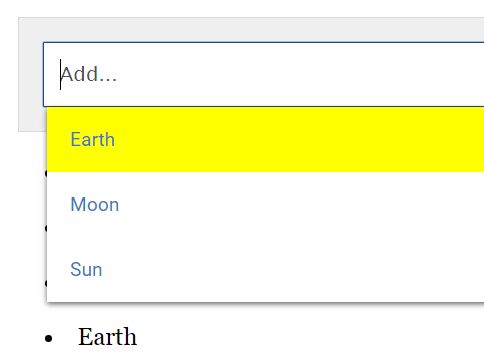
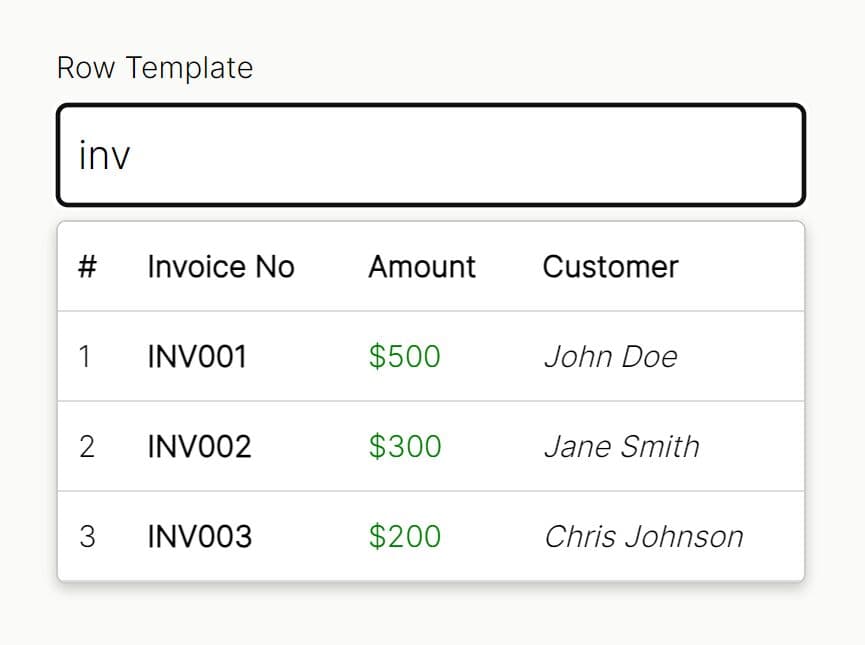
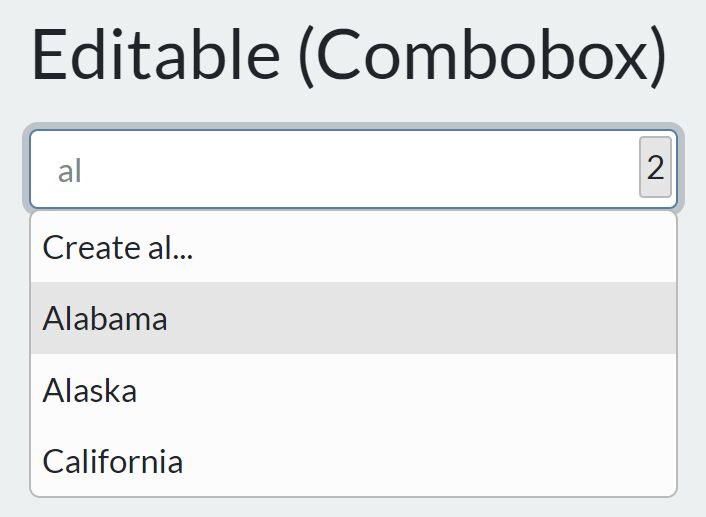
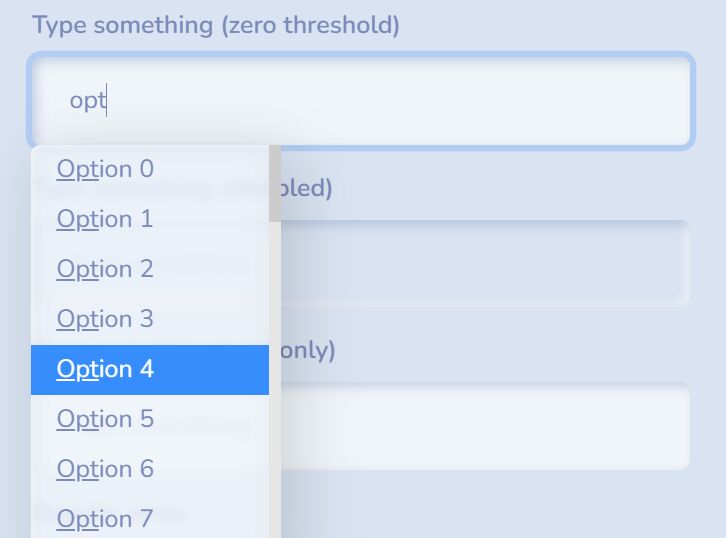
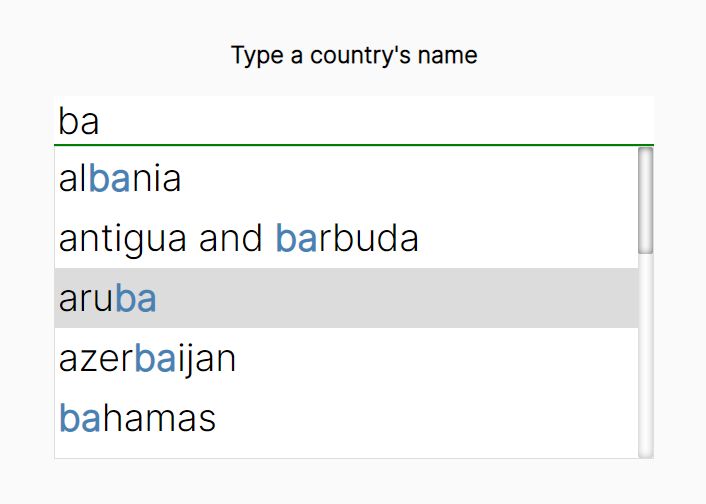
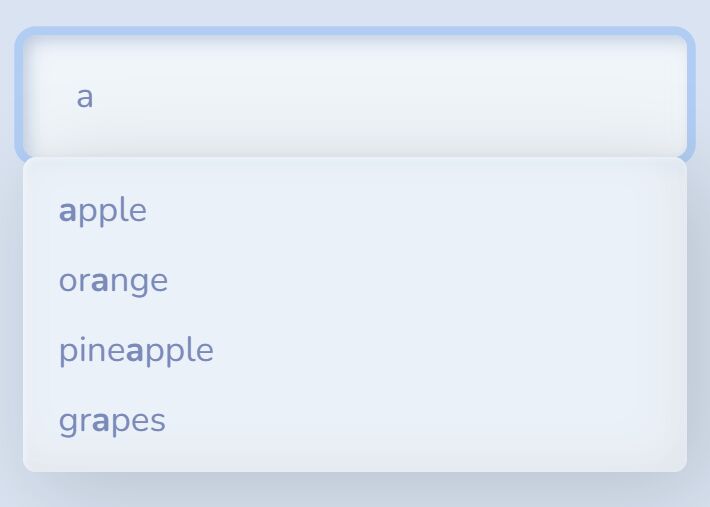
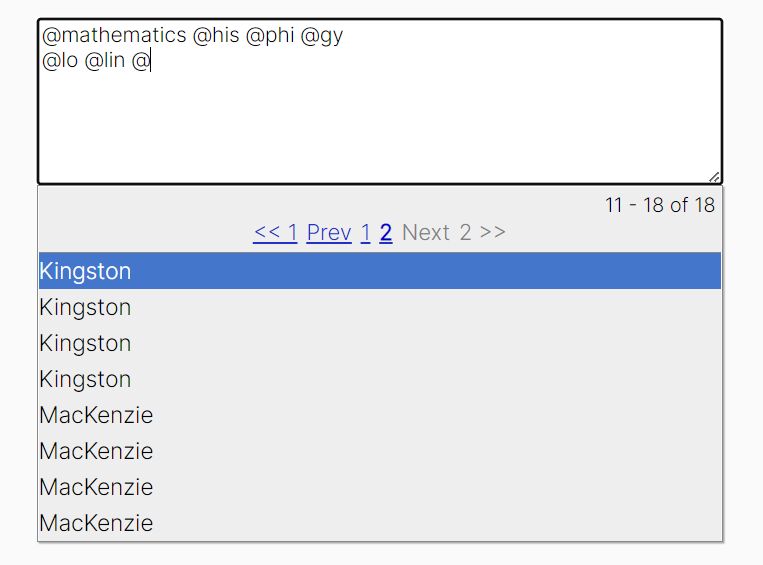
A lightweight, convenience and AJAX-enabled jQuery autocomplete plugin that displays an autocomplete dropdown list populated with pre-defined suggestions when typing in an input filed.
How to use it:
1. Add references to jQuery library and the jQuery Void Autocomplete plugin's files:
<script src="//code.jquery.com/jquery.min.js"></script>
<script src="void_autocomplete.js"></script>
<link rel="stylesheet" href="void_autocomplete.css">
2. Create an array of objects for the suggestion list.
var myList = [
    {title:"js", id:"1"},
    {title:"html", id:"2"},
    {title:"css", id:"3"}
];
3. Call the function on the text input field and done.
$("input").void_autocomplete({
  list: myList
});
4. If you want to dynamically load external suggestion data via AJAX:
var externalData = "list.json";

$("input").void_autocomplete({
  ajax: externalData
});
5. More configuration options:
$("input").void_autocomplete({

  // minimum amount of characters before open the suggestion list
  min: 1,

  // 0 = multi select
  selections: 0,

  // is case sensitive?
  caseSensitive: false,

  // max number of results
  maxResults: 10,
  sortKey: false,

  // enable ajax
  ajax: false,

  // enable open up
  openUp: false

});
6. Execute a callback function when an item is selected.
$("input").void_autocomplete({

  onItemSelect: function(){
    // do something
  }

});
7. API methods:
var myAutocomplete = $("input").void_autocomplete();

// adds a new item
myAutocomplete.forceItem({title:"ruby", id:"4"})

// unselects a previously selected item and triggers the callback
myAutocomplete.forceItem('recoverItem')
This awesome jQuery plugin is developed by alotropico. For more Advanced Usages, please check the demo page or visit the official website.