Copy Entire Textarea To Clipboard Using jQuery - Copyme
| File Size: | 4.03 KB |
|---|---|
| Views Total: | 9705 |
| Last Update: | |
| Publish Date: | |
| Official Website: | Go to website |
| License: | MIT |
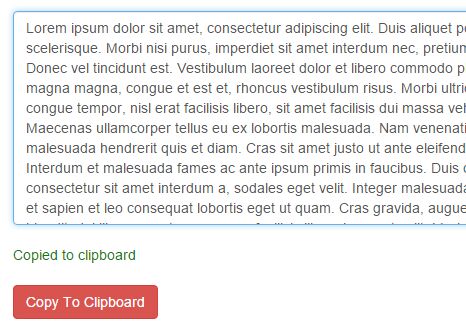
Copyme is a very useful jQuery plugin which allows the user to copy the entire textarea to clipboard by one click.
How to use it:
1. Place jQuery library and the jQuery copyme plugin at the end before the close of the <body> tag for faster loading.
<script src="//code.jquery.com/jquery-2.2.0.min.js"></script>
<script src="copyme.js"></script>
2. Copy the entire textarea to clipboard by clicking on a 'Copy' button.
<button>Copy To Clipboard</button>
$('button').click(function(){
  $('textarea').copyme();
});
3. Copy the entire textarea to clipboard by clicking on itself.
$('textarea').click(function(){
  $('textarea').copyme();
});
4. The plugin will automatically output a success message when you copy something to clipboard. You can style it whatever you like:
.success-alert {
  color: red;
}
This awesome jQuery plugin is developed by giriannamalai. For more Advanced Usages, please check the demo page or visit the official website.