Minimal jQuery Autocomplete Plugin For Input Fields - mv-autocomplete
| File Size: | 6.86 KB |
|---|---|
| Views Total: | 2096 |
| Last Update: | |
| Publish Date: | |
| Official Website: | Go to website |
| License: | MIT |
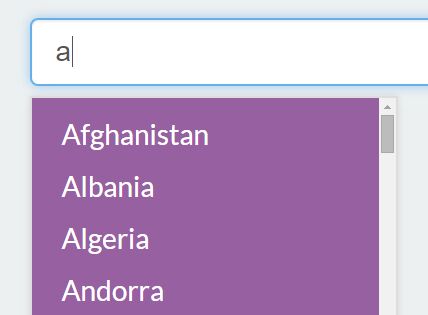
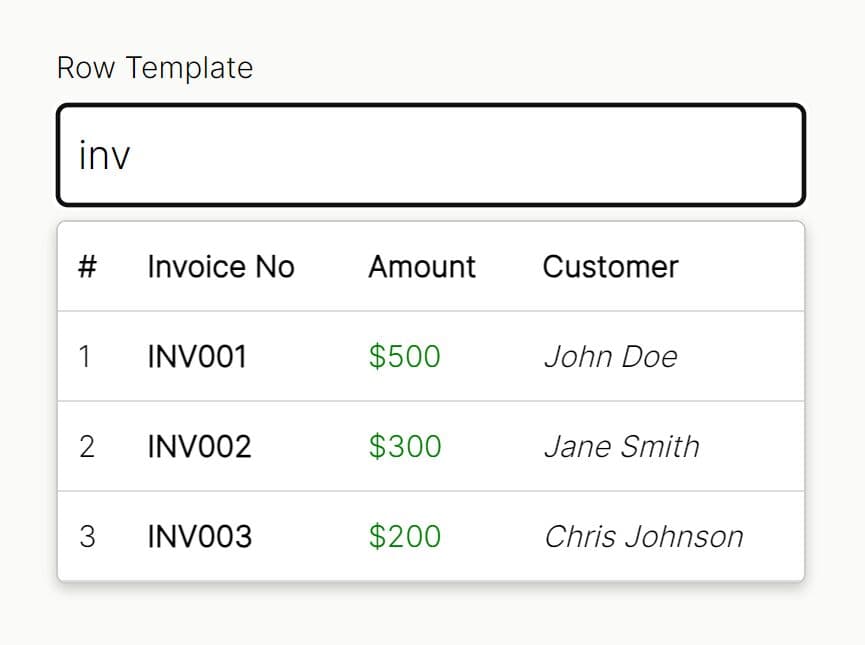
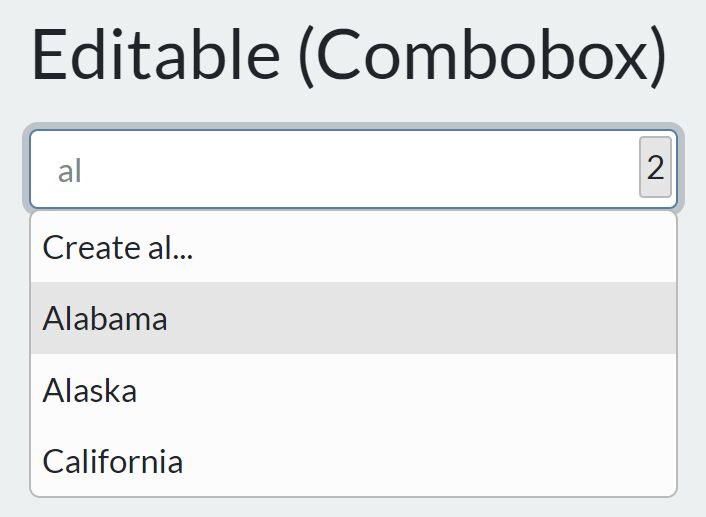
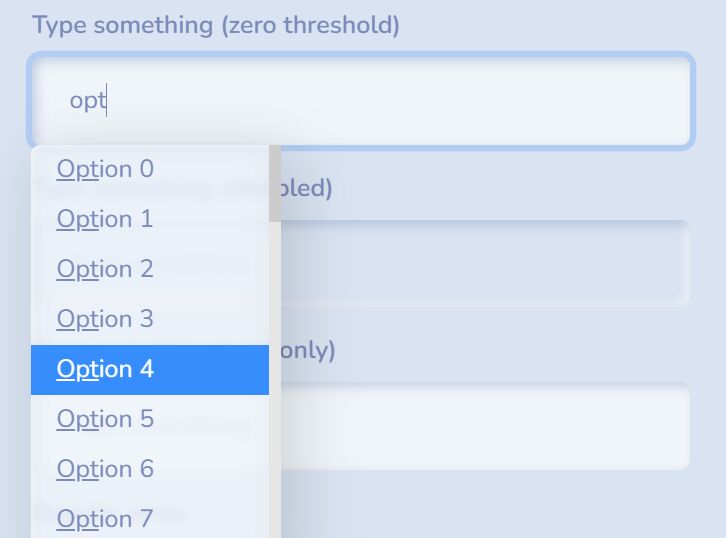
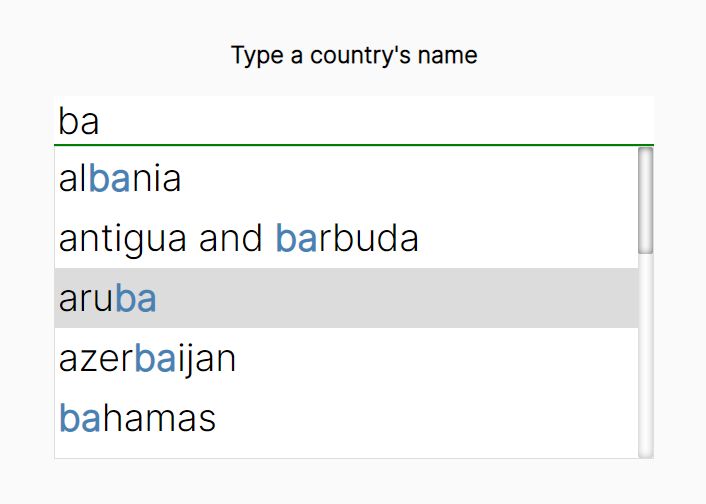
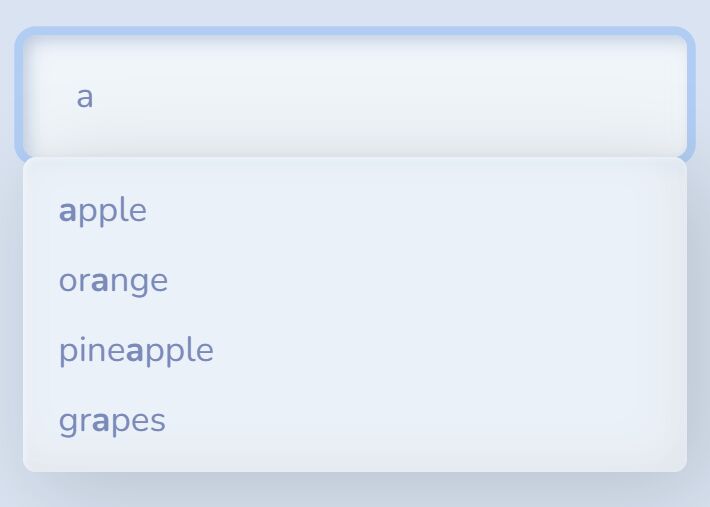
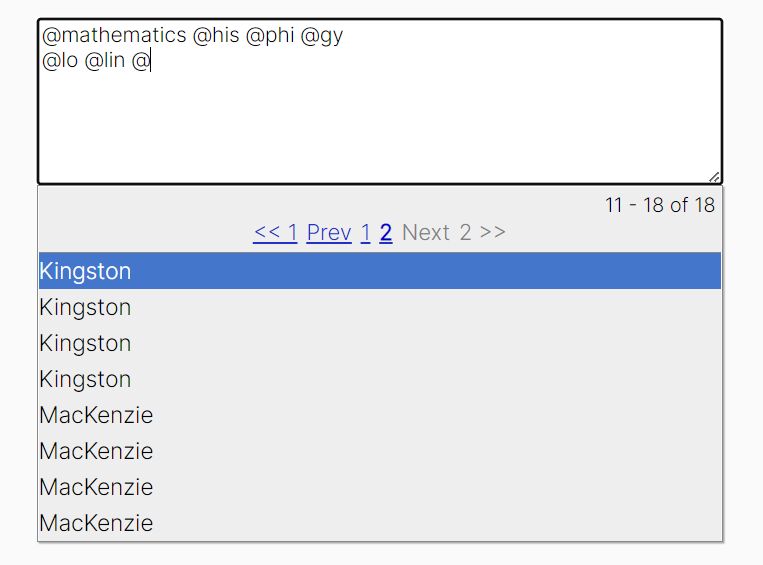
mv-autocomplete is a minimalist jQuery autocomplete plugin which attaches a dropdown list populated with predefined suggestions to the input field while typing. Supports both JS object and external data sources.
Basic usage:
1. Include jQuery library before loading the jQuery mv-autocomplete plugin.
<script src="//code.jquery.com/jquery-1.11.3.min.js"></script>
<script src="mv-autocomplete.js"></script>
2. Just call the function on the input field and we're ready to go.
$('input').mvAutocomplete();
3. Load predefined suggestions for the autocomplete list from JS data object.
var countries = ["Afghanistan","Albania","Algeria"];

$('input').mvAutocomplete({
  data: countries,
});
4. Load predefined suggestions for the autocomplete list from API call.
$('[api-call]').mvAutocomplete({
  url: '/api/'
});
5. Apply you own CSS styles to the autocomplete dropdown list.
.results {
  ..
}

.result {
  ...
}

.result.active, .result.active:active {
  ...
}
6. All configuration options.
// an array of predefined data for autocomplete
data: [],

// CSS class for autocomplete list
container_class: 'results',

// CSS class for each individual result
result_class: 'result',

// url to send a post request at, which, will, return the results.
url: '',

// loading html
loading_html: 'Loading...',

//  Pass an object that will be passed along with the value inputted into the text box.
post_data: {
  class: 'tasks',
  action: 'searchTasks',
  options: {
    id: 10,
    name: 'Bob'
  }
},

// callback function
callback: function(el, selected) {
  console.log('Click Back!');
}
Change log:
2015-12-03
- Added Keypress navigation
This awesome jQuery plugin is developed by michaelrvano. For more Advanced Usages, please check the demo page or visit the official website.