Simple jQuery Progress Bar For Form Completion - Progress Bar
| File Size: | 9.68 KB |
|---|---|
| Views Total: | 10208 |
| Last Update: | |
| Publish Date: | |
| Official Website: | Go to website |
| License: | MIT |
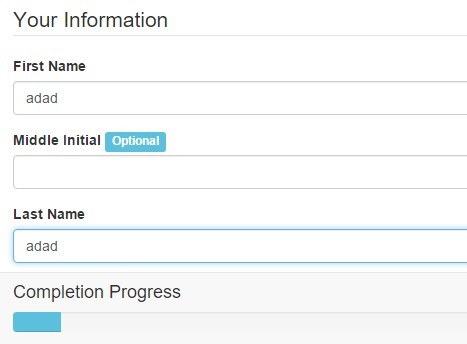
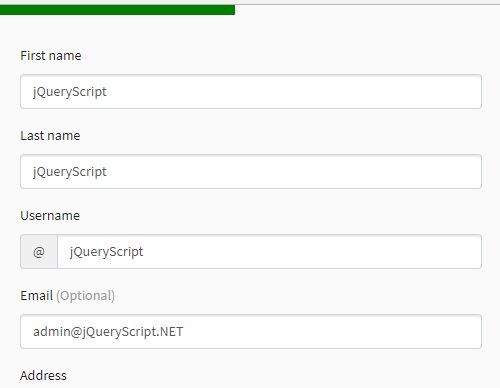
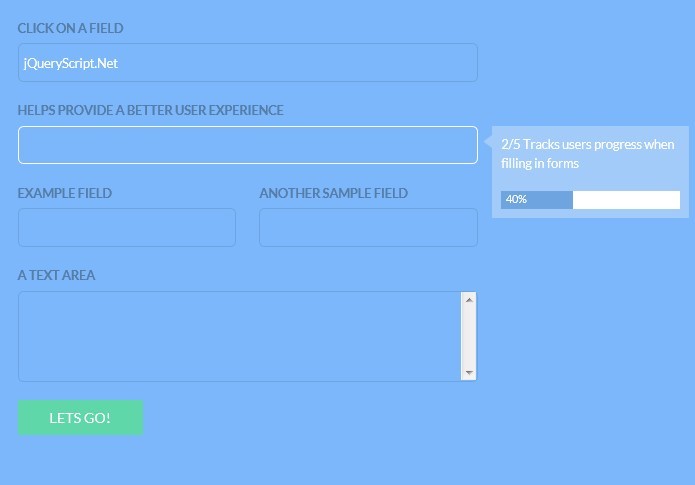
A simple, lightweight jQuery plugin for displaying a slim, collapsible and accessible progress bar for Bootstrap form to indicate the form completion progress. The progress will auto update as you fill the 'required' form fileds.
Basic usage:
1. To get started, place jQuery library and the jQuery progress bar at the bottom of your Bootstrap page.
<script src="//code.jquery.com/jquery-1.11.3.min.js"></script>
<script src="assets/js/jq.progress-bar.js"></script>
2. Just call the plugin on the form element and the plugin will take care of the rest.
$('#form').showProgress();
3. Style the form progress bar in the CSS.
#progress-bar-wrap {
  min-height: 20px;
  display: none;
  margin-bottom: 0;
}

#progress-bar-wrap .encouragement { display: none; }

#progress-bar-wrap .close:before {
  content: "\f0d7";
  display: inline-block;
  font-family: FontAwesome;
  font-style: normal;
  font-weight: normal;
  line-height: 1;
  -webkit-font-smoothing: antialiased;
  -moz-osx-font-smoothing: grayscale;
}

#progress-bar-wrap span { line-height: 1.75em; }

#progress-bar-wrap.collapsed h4 {
  font-size: 14px;
  color: #999999;
}

#progress-bar-wrap.collapsed .encouragement { display: none; }

#progress-bar-wrap.collapsed .progress { display: none; }

#progress-bar-wrap.collapsed .close:before {
  content: "\f0d8";
  display: inline-block;
  font-family: FontAwesome;
  font-style: normal;
  font-weight: normal;
  line-height: .75em;
  -webkit-font-smoothing: antialiased;
  -moz-osx-font-smoothing: grayscale;
}
4. Options and defaults.
$('#form').showProgress({

  // custom messages
  message: {
    '25': 'You\'re doing great so far!',
    '50': 'You\'re halfway there!',
    '75': 'Look at that, you\'re nearly done already!',
    '100': 'All done! Just click <strong>Submit</strong> to continue!'
  },

  // 'top' or 'bottom'
  position: 'bottom'

});
This awesome jQuery plugin is developed by JoshBlackwood. For more Advanced Usages, please check the demo page or visit the official website.