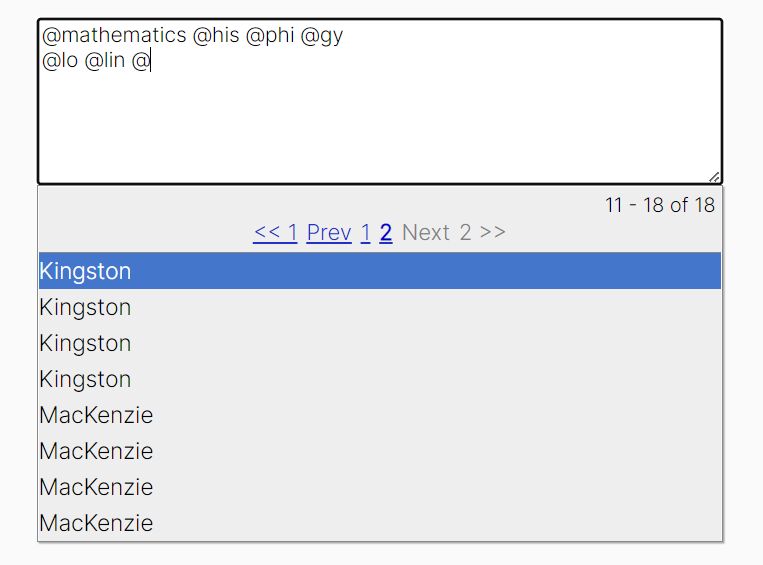
Tiny jQuery Auto- Complete / Suggest Plugin For Input Fields - LiteSuggest
| File Size: | 13.8 KB |
|---|---|
| Views Total: | 915 |
| Last Update: | |
| Publish Date: | |
| Official Website: | Go to website |
| License: | MIT |
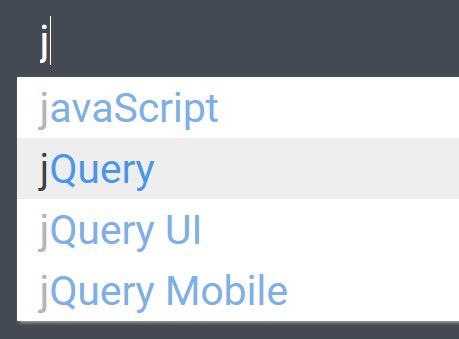
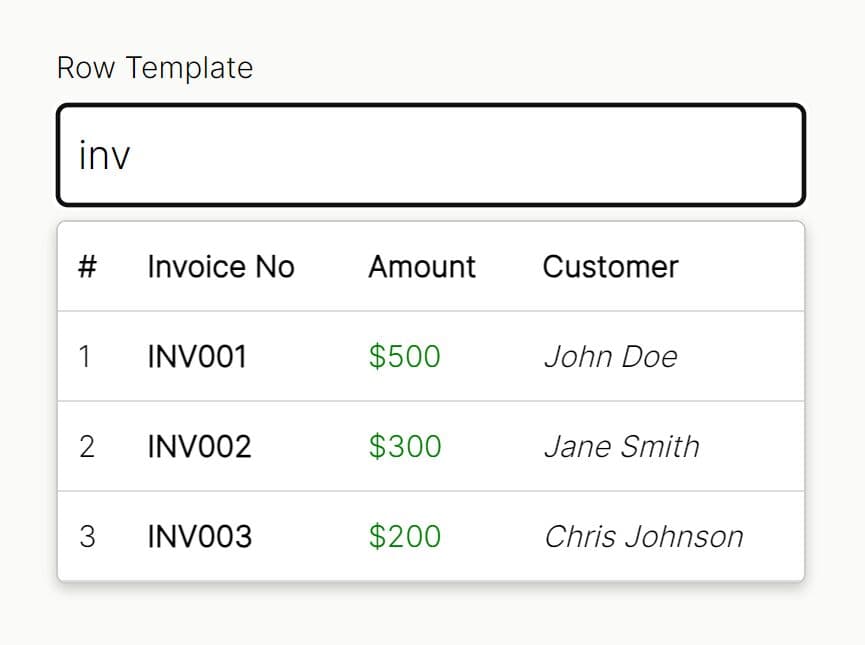
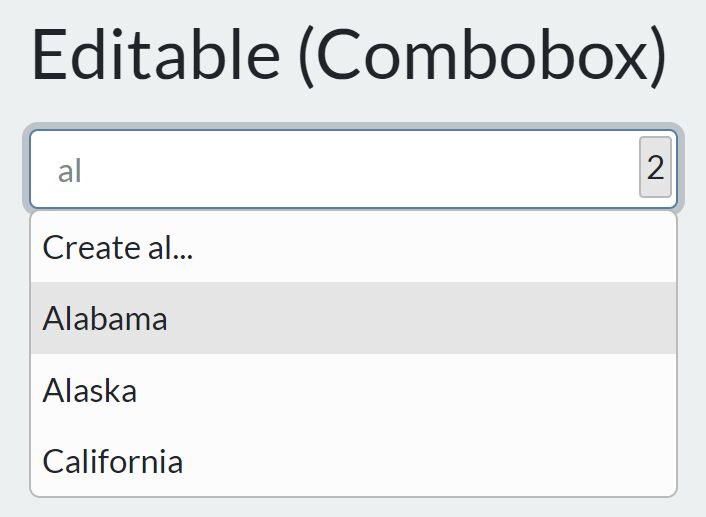
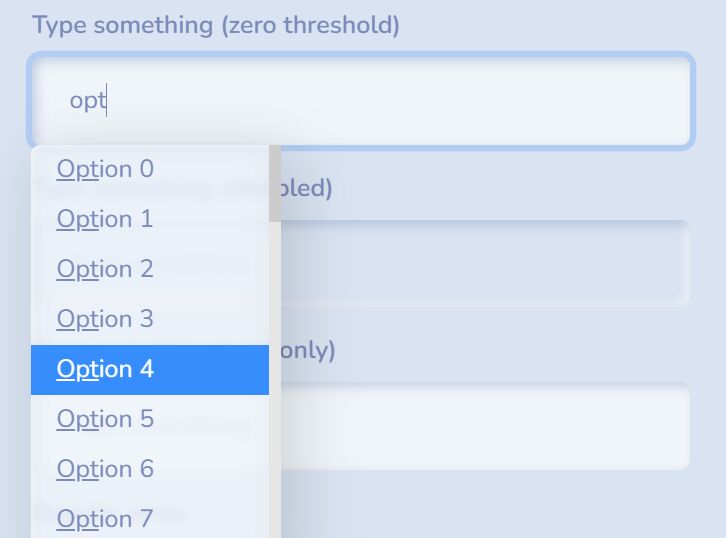
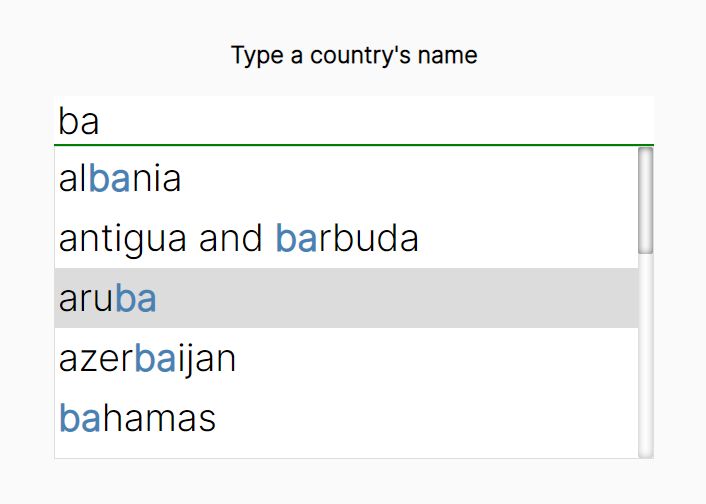
LiteSuggest is a simple, lightweight jQuery plugin that turns a normal text input into an autocomplete field where a dropdown list displays with predefined suggestions when the user starts typing.
How to use it:
1. Include references to jQuery library, litesuggest.css and litesuggest.js on the web page.
<link rel="stylesheet" href="css/litesuggest.css">
<script src="//code.jquery.com/jquery-1.11.3.min.js"></script>
<script src="js/litesuggest.js"></script>
2. Create a normal text input field with autocomplete="off".
<div class="container">
  <div class="litesuggest-group demo">
    <input type="text" name="demo" autocomplete="off">
  </div>
</div>
3. Call the plugin on the parent container and add your own suggestions using words option. That's it.
$(".container").litesuggest({
  words: ["C", "C++", "Object C"],
  groupSelector: ".demo"
});
This awesome jQuery plugin is developed by ariellebryn. For more Advanced Usages, please check the demo page or visit the official website.