Creating An Animated Sidebar Menu with jQuery and CSS3
| File Size: | 2.08 KB |
|---|---|
| Views Total: | 24768 |
| Last Update: | |
| Publish Date: | |
| Official Website: | Go to website |
| License: | MIT |
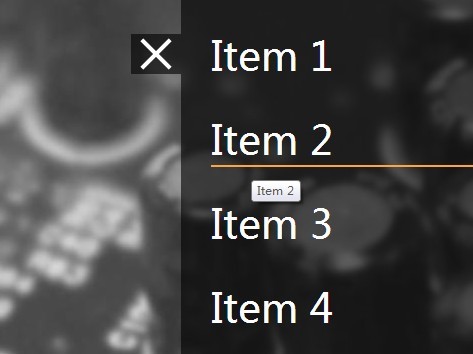
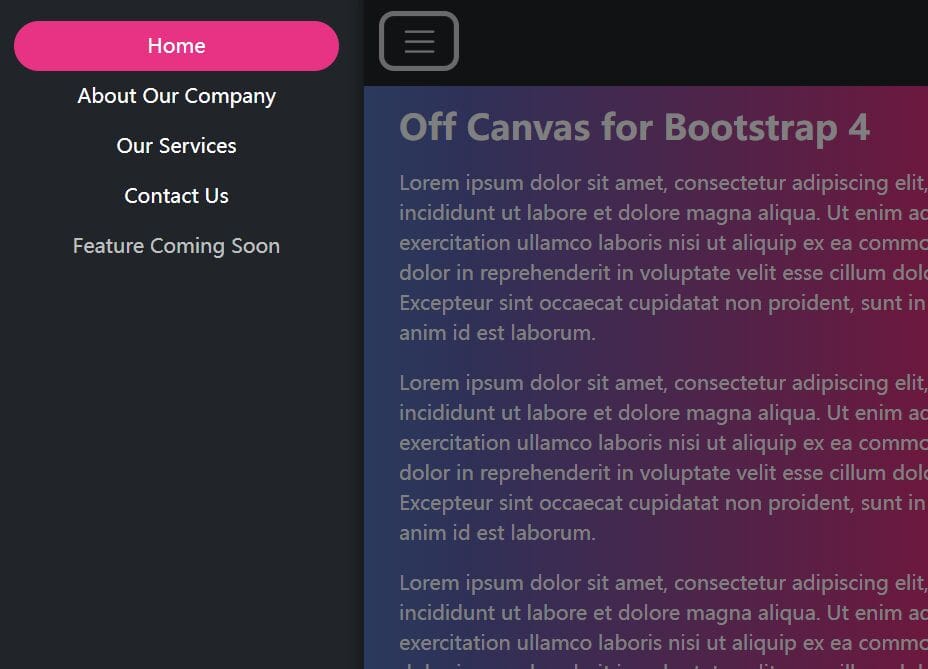
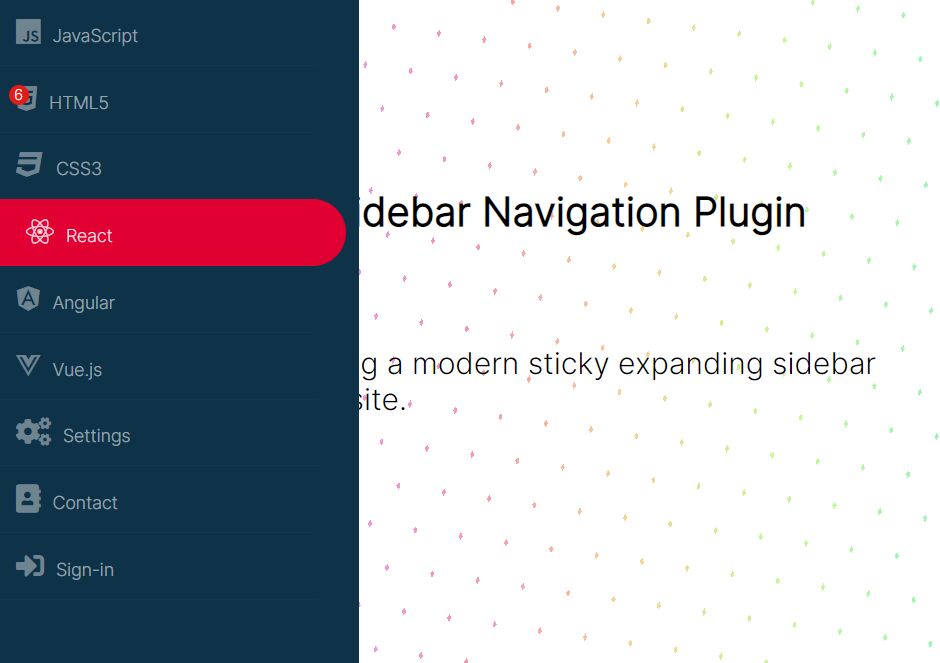
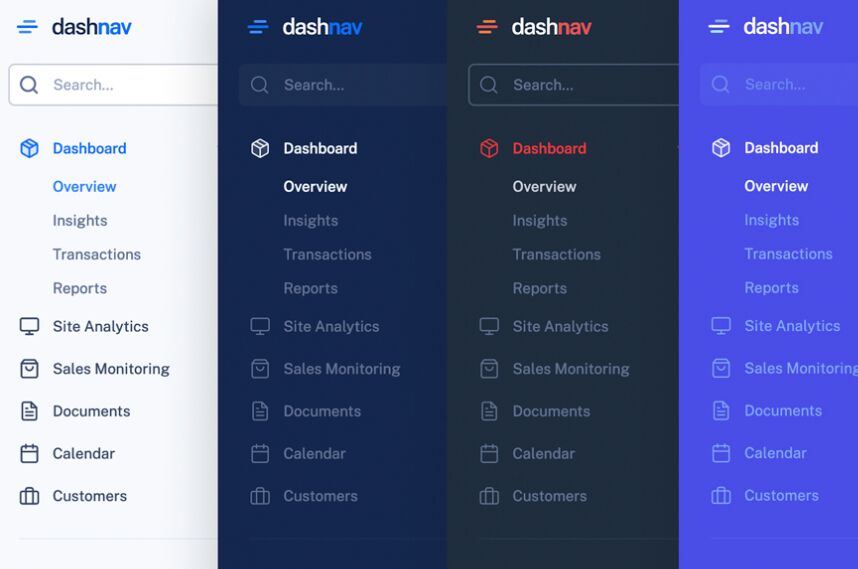
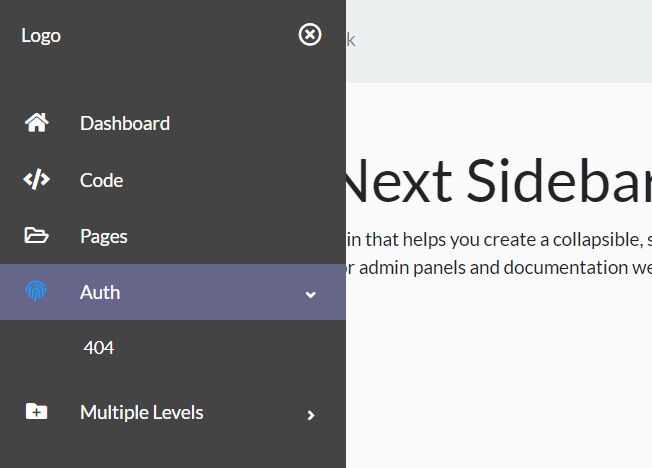
A hidden sidebar menu that slides out from the edge of your web page when you click on the toggle button, built on top of jQuery, CSS3 transforms & transitions and a little bit of javascript.
How to use it:
1. Create a toggle button to show the hidden sidebar menu.
<a href="" id="menuToggle" title="show menu">
 <span class="navClosed"><i>show menu</i></span>
</a>
2. Create links for the sidebar menu and wrap them together with the toggle button into an Nav tag.
<nav>
  <a href="" id="menuToggle" title="show menu">
    <span class="navClosed"><i>show menu</i></span>
  </a>
  <a href="#" title="Item 1">Item 1</a>
  <a href="#" title="Item 2">Item 2</a>
  <a href="#" title="Item 3">Item 3</a>
  <a href="#" title="Item 3">Item 4</a>
</nav>
3. The required CSS/CSS3 codes to style the sidebar menu.
a { text-decoration: none; }

a i {
  font: 0/0 a;
  text-shadow: none;
  color: transparent;
}

nav {
  background-color: rgba(0, 0, 0, 0.6);
  height: 100%;
  position: fixed;
  right: -300px;
  top: 0;
  -moz-transition: right 0.2s linear;
  -o-transition: right 0.2s linear;
  -webkit-transition: right 0.2s linear;
  transition: right 0.2s linear;
  width: 300px;
  z-index: 9001;/* IT'S OVER 9000! */
}

nav #menuToggle {
  background: rgba(0, 0, 0, 0.6);
  display: block;
  position: relative;
  height: 40px;
  left: -50px;
  top: 75px;
  width: 50px;
}

nav #menuToggle span {
  background: white;
  display: block;
  height: 10%;
  left: 10%;
  position: absolute;
  top: 45%;
  width: 80%;
}

nav #menuToggle span:before,
nav #menuToggle span:after {
  background: white;
  content: '';
  display: block;
  height: 100%;
  position: absolute;
  top: -250%;
  -moz-transform: rotate(0deg);
  -ms-transform: rotate(0deg);
  -webkit-transform: rotate(0deg);
  transform: rotate(0deg);
  width: 100%;
}

nav #menuToggle span:after { top: 250%; }

nav a:nth-child(n+2) {
  color: white;
  display: block;
  font-size: 2.5em;
  margin: 30px 0 30px 30px;
}

nav a:nth-child(n+2):after {
  background: #ffa53e;
  content: '';
  display: block;
  height: 2px;
  -moz-transition: width 0.2s;
  -o-transition: width 0.2s;
  -webkit-transition: width 0.2s;
  transition: width 0.2s;
  width: 0;
}

nav a:nth-child(n+2):hover:after { width: 100%; }

.open { right: 0; }

.open #menuToggle span {
  background: transparent;
  left: 10%;
  top: 45%;
}

.open #menuToggle span:before,
.open #menuToggle span:after {
  background: white;
  top: 0;
  -moz-transform: rotate(45deg);
  -ms-transform: rotate(45deg);
  -webkit-transform: rotate(45deg);
  transform: rotate(45deg);
}

.open #menuToggle span:after {
  -moz-transform: rotate(-45deg);
  -ms-transform: rotate(-45deg);
  -webkit-transform: rotate(-45deg);
  transform: rotate(-45deg);
}

#menuToggle .navClosed {
  -moz-transition: background 0.1s linear;
  -o-transition: background 0.1s linear;
  -webkit-transition: background 0.1s linear;
  transition: background 0.1s linear;
}

#menuToggle .navClosed:before,
#menuToggle .navClosed:after {
  -moz-transition: top 0.2s linear 0.1s, -moz-transform 0.2s linear 0.1s;
  -o-transition: top 0.2s linear 0.1s, -o-transform 0.2s linear 0.1s;
  -webkit-transition: top 0.2s linear, -webkit-transform 0.2s linear;
  -webkit-transition-delay: 0.1s, 0.1s;
  transition: top 0.2s linear 0.1s, transform 0.2s linear 0.1s;
}

#menuToggle .navOpen {
  -moz-transition: background 0.1s linear 0.2s;
  -o-transition: background 0.1s linear 0.2s;
  -webkit-transition: background 0.1s linear;
  -webkit-transition-delay: 0.2s;
  transition: background 0.1s linear 0.2s;
}

#menuToggle .navOpen:before,
#menuToggle .navOpen:after {
  -moz-transition: top 0.2s linear, -moz-transform 0.2s linear;
  -o-transition: top 0.2s linear, -o-transform 0.2s linear;
  -webkit-transition: top 0.2s linear, -webkit-transform 0.2s linear;
  transition: top 0.2s linear, transform 0.2s linear;
}
4. Include the latest version of JQuery library at the bottom of the web page.
<script src="http://ajax.googleapis.com/ajax/libs/jquery/2.1.1/jquery.min.js"></script>
5. The Javascript to enable the sidebar menu.
<script>
(function($){
$(document).ready(function(){
$('#menuToggle').click(function(e){
var $parent = $(this).parent('nav');
$parent.toggleClass("open");
var navState = $parent.hasClass('open') ? "hide" : "show";
$(this).attr("title", navState + " navigation");
// Set the timeout to the animation length in the CSS.
setTimeout(function(){
console.log("timeout set");
$('#menuToggle > span').toggleClass("navClosed").toggleClass("navOpen");
}, 200);
e.preventDefault();
});
});
})(jQuery);
</script>
This awesome jQuery plugin is developed by mambroz. For more Advanced Usages, please check the demo page or visit the official website.