Basic Responsive Dropdown Menu Plugin - jQuery mainMenu.js
| File Size: | 10.7 KB |
|---|---|
| Views Total: | 2989 |
| Last Update: | |
| Publish Date: | |
| Official Website: | Go to website |
| License: | MIT |
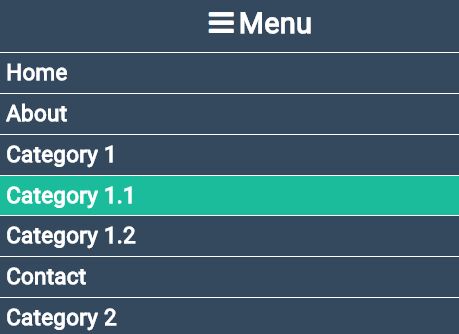
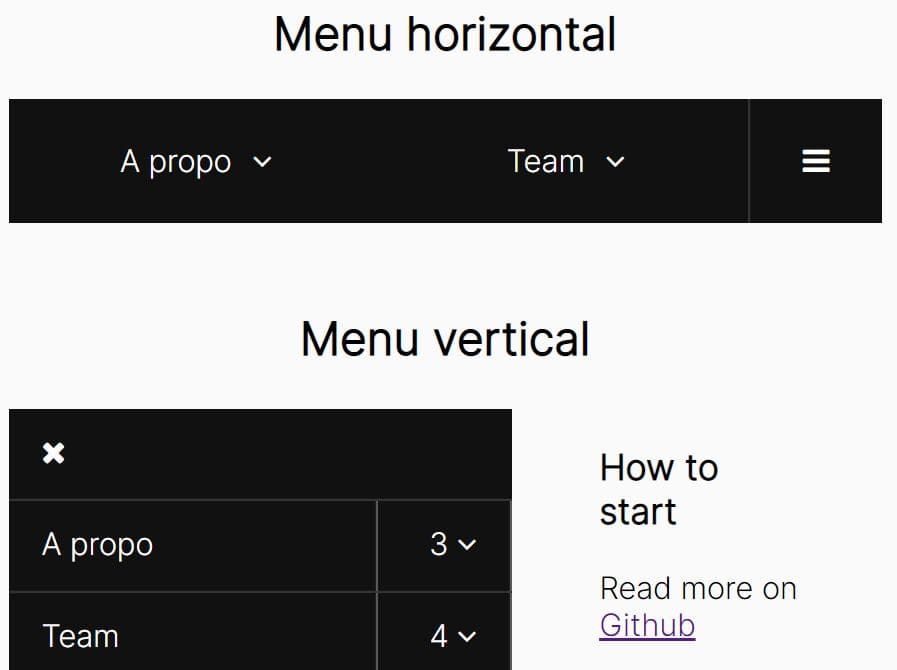
mainMenu.js is a lightweight, fully responsive, multi-level jQuery dropdown navigation plugin that automatically collapses into a hamburger toggle menu on small screen devices.
How to use it:
1. Code the dropdown navigation as this:
<nav class="menu">
<div class="menu-header"><span class="fa"></span>Menu</div>
<ul class="main-menu">
<li><a href="#">Home</a></li>
<li><a href="#">About</a></li>
<li class="subMenu" data-trigger = "submenu"><a href="#">Category 1</a>
<ul>
<li data-trigger="submenu"><a href="#">Category 1.1</a></li>
<li data-trigger="submenu"><a href="#">Category 1.2</a></li>
</ul>
</li>
<li><a href="#">Contact</a></li>
<li class="subMenu" data-trigger = "submenu"><a href="">Category 2</a>
<ul>
<li data-trigger = "submenu"><a href="#">Category 2.1</a></li>
<li data-trigger = "submenu"><a href="#">Category 2.2</a></li>
</ul>
</li>
</ul>
</nav>
2. Include jQuery library together with the 'jquery.mainMenu.css' and 'jquery.mainMenu.js' on the webpage.
<link rel="stylesheet" href="css/jquery.mainMenu.css">
<script src="//code.jquery.com/jquery.min.js"></script>
<script src="js/jquery.mainMenu.js"></script>
3. Initialize the plugin to generate a default responsive dropdown navigation.
$(".menu").mainMenu();
4. Customize the dropdown navigation with the following options.
$(".menu").mainMenu({
  "backgroundColor": "#4b5f9b",
  "highlightColor":  "aqua",
  "submenuColor":    "#5c688a",
  "toggleSpeed":     "1000",
  "fontColor":       "white",
  "menuNumber":       "5"
});
This awesome jQuery plugin is developed by jfgruber. For more Advanced Usages, please check the demo page or visit the official website.