Drawer-style Expanding Textarea Plugin For jQuery - textDrawer.js
| File Size: | 3.99 KB |
|---|---|
| Views Total: | 494 |
| Last Update: | |
| Publish Date: | |
| Official Website: | Go to website |
| License: | MIT |
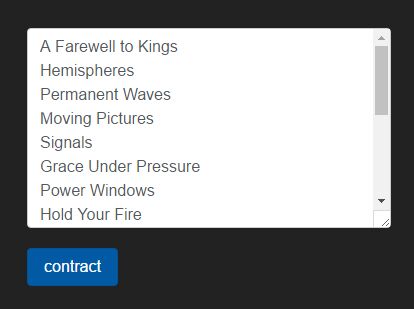
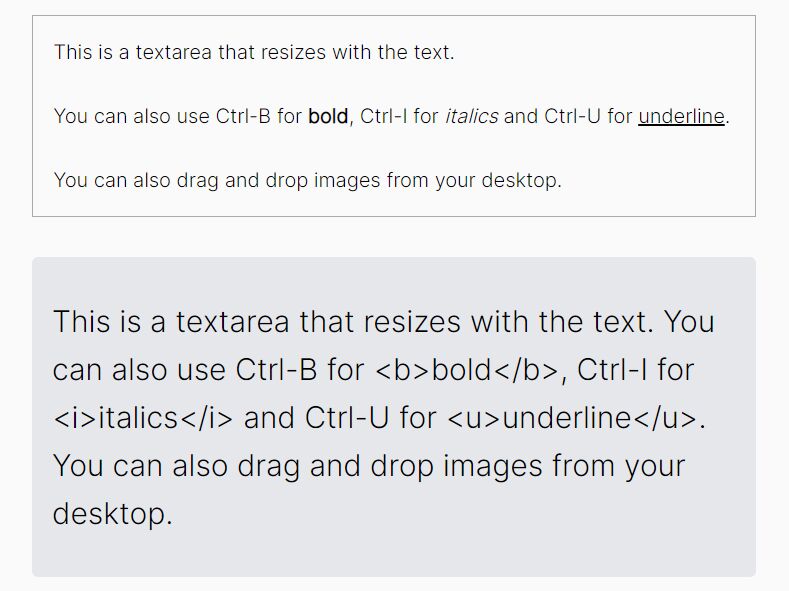
textDrawer.js is a jQuery plugin that allows to smoothly expand and contract your textarea element just like a drawer. With configurable max/min sizes, animation speed and easing effects.
How to use it:
1. Link to jQuery library and the jQuery textDrawer.js plugin as follow:
<script src="//code.jquery.com/jquery.min.js"></script>
<script src="textDrawer.js"></script>
2. Attach the showTextDrawer function to your existing textarea and done.
$('textarea').showTextDrawer();
3. Config the expand/contract animation.
$('textarea').showTextDrawer({
  expandAnimEasing: "linear",
  contractAnimEasing: "linear",
  animationSpeed : 700,
});
4. Customize the text for the expand/contract links.
$('textarea').showTextDrawer({
  expandText : "expand",
  contractText : "contract",
});
5. Set the min/max height of your textarea.
$('textarea').showTextDrawer({
  minSize : 200,
  maxSize : 400,
});
6. Execute a callback function after you expand or contract the textarea.
$('textarea').showTextDrawer({
  afterChange : function(){ return true; }
});
This awesome jQuery plugin is developed by theWizardsBaker. For more Advanced Usages, please check the demo page or visit the official website.