Easy Character Counter Plugin For Text Fields - charcounter
| File Size: | 4.43 KB |
|---|---|
| Views Total: | 1072 |
| Last Update: | |
| Publish Date: | |
| Official Website: | Go to website |
| License: | MIT |
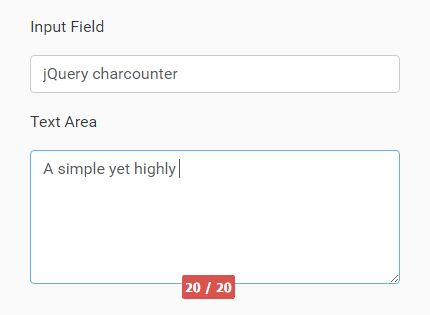
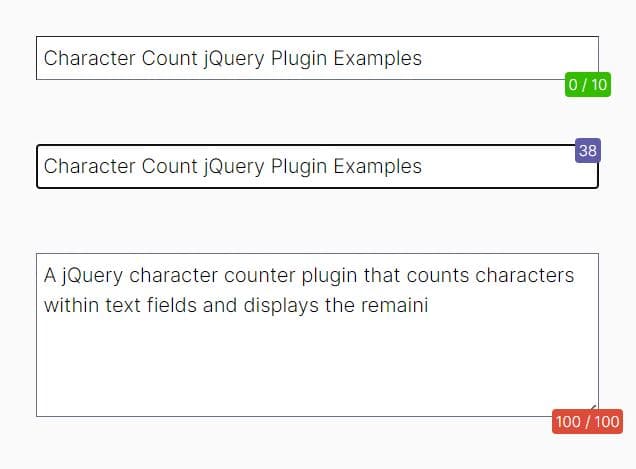
A simple yet highly customizable jQuery plugin which creates a live character counter to display the remaining/max number of characters allowed to type into your text field.
Key Features:
- Supports both input field and textarea.
- Based on the native
maxlengthattribute. - Auto disables typing when you reach the limit.
- Lots of configuration options.
How to use it:
1. Place jQuery library and the jQuery charcounter plugin's script into your webpage when needed.
<script src="//code.jquery.com/jquery-3.1.1.slim.min.js"></script>
<script src="jquery.charcounter.js"></script>
2. Use maxlength attribute to specify the maximum number of characters and the warnlength attribute to specify the warning limit.
<input type='text' class='charcounter-control' name='test' maxlength='140' warnlength='120'>
3. Call the function and the plugin will take care of the rest.
$('charcounter-control').charcounter({
  // options here
});
4. All configuration options with default values.
$('charcounter-control').charcounter({
  normalClass: 'charcounter-success ',
  warningClass: 'charcounter-warning ',
  limitReachedClass: 'charcounter-danger ',
  createDefaultClasses: true,
  placement: 'bottom',
  fontfamily: 'Tahoma',
  fontsize: '10px',
  fontbold: true,
  fontcolor: '#FFFFFF',
  separator: ' / ',
  ccDebug: false,
  changeBorderColor: false,
  warningBorderColorClass: 'charcounter-warning-border',
  errorBorderColorClass: 'charcounter-error-border',
  showLimitOrWarning: 'limit'
});
This awesome jQuery plugin is developed by guillerg86. For more Advanced Usages, please check the demo page or visit the official website.