jQuery Plugin To Create Textarea With Line Numbering - LineNumbers
| File Size: | 18.5 KB |
|---|---|
| Views Total: | 5845 |
| Last Update: | |
| Publish Date: | |
| Official Website: | Go to website |
| License: | MIT |
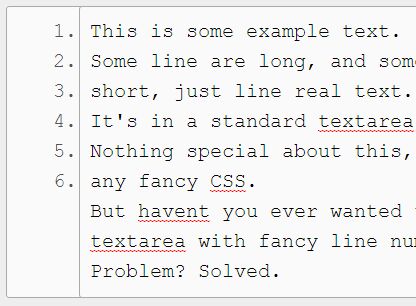
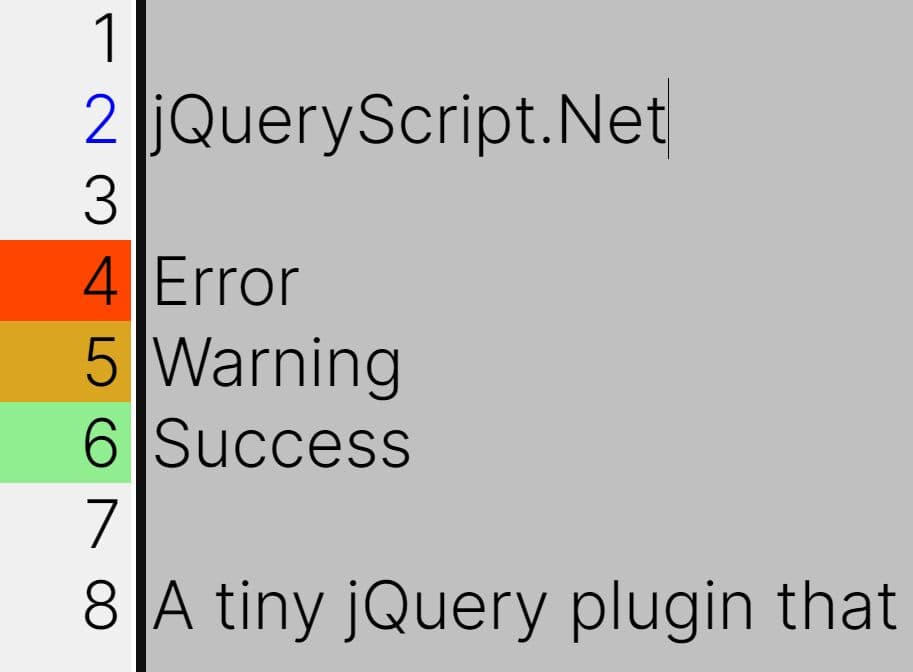
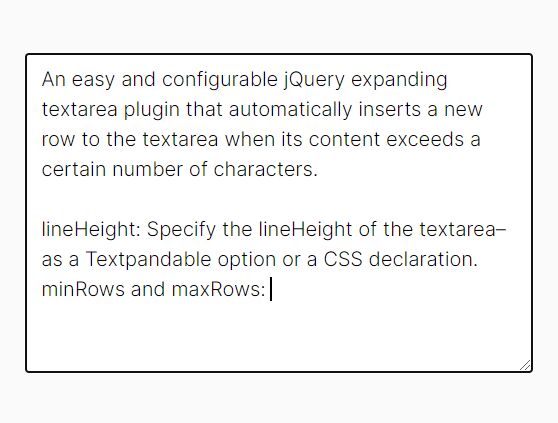
Just another jQuery plugin that makes it easy to track the size of a textarea and display line numbers beside the typed content. It wraps lines intelligently, just because the textarea wraps doesn't mean it's actually a new line. Licensed under the GNU General Public License v3.0.
See also:
- jQuery Plugin To Create Textarea With Line Numbers - SetNumber
- jQuery Plugin For Adding Line Numbers To Any DOM Elements - lineLine
- jQuery Plugin To Display Line Numbers In Textarea - numberedTextarea
- jQuery Plugin For Adding Line Numbers To Paragraphs - Line Number
How to use it:
1. Download and put the jQuery LineNumbers plugin after you've loaded jQuery library like this:
<script src="//code.jquery.com/jquery.min.js"></script>
<script src="jquery-linenumbers.js"></script>
2. Just call the function on the target textarea element and the plugin will do the rest.
$('textarea').linenumbers();
3. If you want to get fancy there are some additional options you can pass.
$('textarea').linenumbers({

  // The width of the numbers column.
  // Default should be big enough for 4 columns on a text area with no styles applied.
  // This will need to be modified for the number of digits you choose, and the textarea styles.
  col_width: '25px',

  // The number at which line numbering starts.
  start: 1,

  // The number of digits the line numbers should max out at.
  // This is used for calculating leading space, and does not include the colon.
  digits: 4

});
4. You'll need to give your text area a set width, or the two line numbers won't line up right with the text, this has been tested as a px value, but percents should be ok in any format as long as the col_width is the same. Other than that it should work just fine.
textarea{
  width: 555px;
  height: 270px;
  font-size: 20px;
  padding: 10px;
  line-height: 30px;
  border-radius: 3px;
  border: 1px solid #aaaaaa;
}
Change log:
2017-09-22
- bugfix
This awesome jQuery plugin is developed by pgooch. For more Advanced Usages, please check the demo page or visit the official website.