Creating Collapsible Bootstrap Sidebars with jQuery and CSS
| File Size: | 7.67 KB |
|---|---|
| Views Total: | 25641 |
| Last Update: | |
| Publish Date: | |
| Official Website: | Go to website |
| License: | MIT |
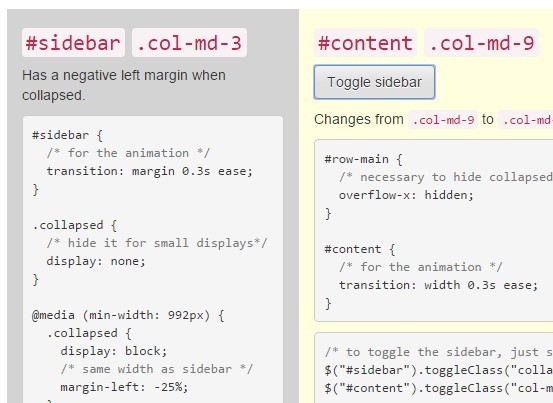
With some additional CSS rules and a little jQuery, we can create animated collapsible sidebars for your Bootstrap project.
How to use it:
1. You must have jQuery library installed in your Bootstrap project.
<link rel="stylesheet" href="bootstrap.min.css">
  ...
<script src="jquery.min.js"></script>
<script src="bootstrap.min.js"></script>
  ...
2. Create a sidebar that has a negative left margin when collapsed.
<div class="col-md-3" id="sidebar">
  ...
</div>
#sidebar {
  /* for the animation */
  transition: margin 0.3s ease;
}

.collapsed {
  /* hide it for small displays*/
  display: none;
}

@media (min-width: 992px) {
  .collapsed {
    display: block;
    /* same width as sidebar */
    margin-left: -25%;
  }
}
3. Add a sidebar toggle button to your main content. The main content will changes from .col-md-9 to .col-md-12 when the sidebar is collapsed, occupying the remaining space.
<div class="col-md-9" id="content">
  <button type="button" class="btn btn-default toggle-sidebar">Toggle sidebar</button>
</div>
#row-main {
  /* necessary to hide collapsed sidebar */
  overflow-x: hidden;
}

#content {
  /* for the animation */
  transition: width 0.3s ease;
}
4. To toggle the sidebar, just switch the CSS classes.
$("#sidebar").toggleClass("collapsed");
$("#content").toggleClass("col-md-12 col-md-9");
This awesome jQuery plugin is developed by nunof07. For more Advanced Usages, please check the demo page or visit the official website.