Drag And Drop File Upload Plugin For Bootstrap - dropzone
| File Size: | 18.6 KB |
|---|---|
| Views Total: | 53290 |
| Last Update: | |
| Publish Date: | |
| Official Website: | Go to website |
| License: | MIT |
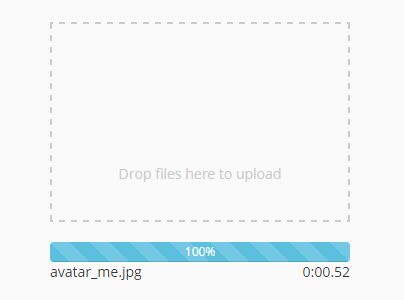
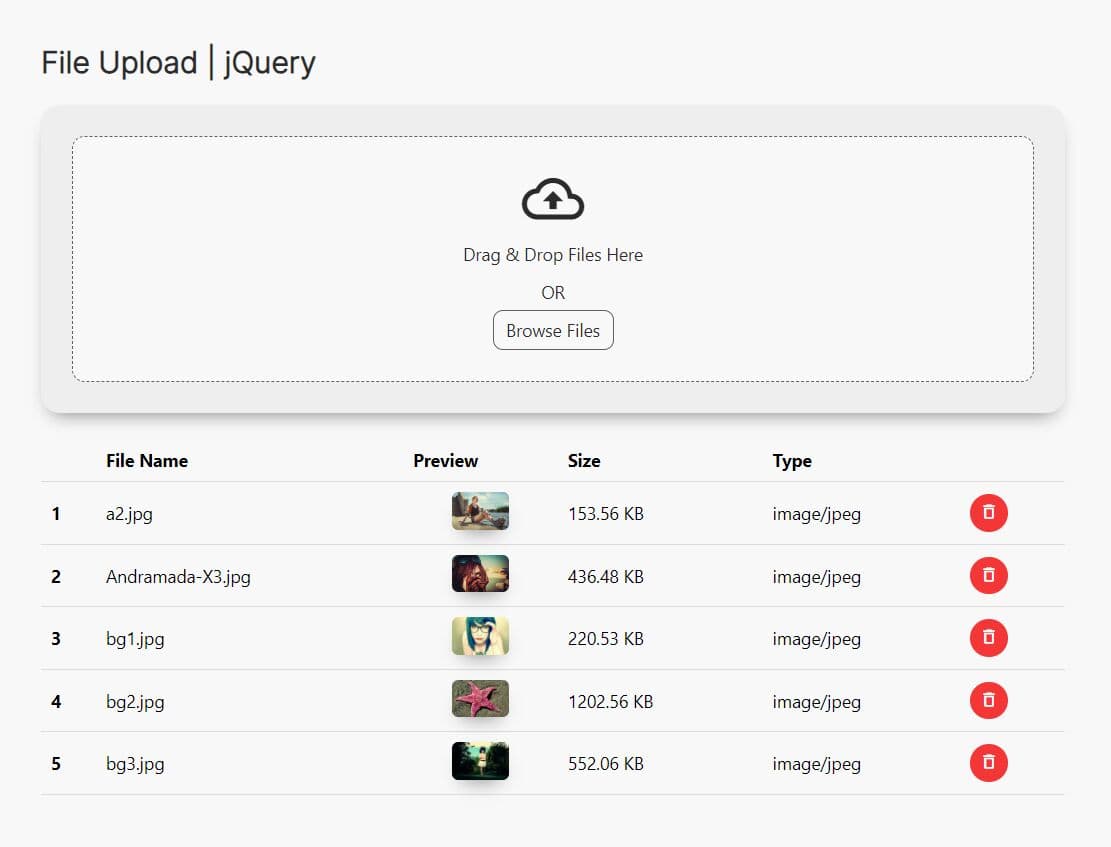
dropzone is a jQuery plugin used to create a highly customizable drag'n'drop zone for file uploading with a progress bar. Your user can drag and drop a file onto it, and the file gets uploaded to the server via AJAX. Based on Bootstrap styles.
See Also:
- Elegant File Input Enhancement Plugin With JavaScript – filepond
- 10 Best File Upload Libraries In jQuery And Vanilla JS
How to use it:
1. Include the needed jQuery library and Bootstrap framework on the webpage.
<link rel="stylesheet" href="bootstrap.min.css">
<script src="//code.jquery.com/jquery.min.js"></script>
<script src="bootstrap.min.js"></script>
2. Create a container to place the file upload zone.
<div class="dropzone"></div>
3. Active the plugin and specify the file or url you wish to post the files.
$(".dropzone").dropzone({
  url: 'upload.php'
})
4. All customization options with default values.
// width of the div
width:                  300,

// height of the div
height:                 300,

// width of the progress bars
progressBarWidth:       '100%',

// url for the ajax to post
url:                    '',

// name for the form submit
filesName:              'files',

// margin added if needed
margin:                 0,

// border property
border:                 '2px dashed #ccc',
background:             '',

// Z index of element
zIndex:                 100,

// text color
textColor:              '#ccc',

// css style for text-align
textAlign:              'center',

// text inside the div
text:                   'Drop files here to upload',

// upload all files at once or upload single files, options: all or single
uploadMode:             'single',

// progress selector if null one will be created
progressContainer:      '',

// if preview true we can define the image src
src:                    '',

// wrap the dropzone div with custom class
dropzoneWraper:         'nniicc-dropzoneParent',

// Access to the files that are droped
files:                  [],

// max file size ['bytes', 'KB', 'MB', 'GB', 'TB']
maxFileSize:            '5MB',

// allowed files to be uploaded seperated by ',' jpg,png,gif
allowedFileTypes:       '*',

// click on dropzone to select files old way
clickToUpload:          true,

// show time that has elapsed from the start of the upload,
showTimer:              false,

// delete complete progress bars when adding new files
removeComplete:         true,

// if enabled it will load the pictured directly to the html
preview:                false,

// Upload file even if the preview is enabled
uploadOnPreview:        false,

// Upload file right after drop
uploadOnDrop:           true,

// object of additional params
params:                 {},
5. Callback functions.
// callback when the div is loaded
load:                   null,

// callback for the files procent
progress:               null,

// callback for the file upload finished
uploadDone:             null,

// callback for a file uploaded
success:                null,

// callback for any error
error:                  null,

// callback for the preview is rendered
previewDone:            null,

// callback for mouseover event
mouseOver:              null,

// callback for mouseout event
mouseOut:               null,
This awesome jQuery plugin is developed by nniicc. For more Advanced Usages, please check the demo page or visit the official website.