Customizable Interactive Toggle Switch Plugin With jQuery - btnSwitch
| File Size: | 31.8 KB |
|---|---|
| Views Total: | 13258 |
| Last Update: | |
| Publish Date: | |
| Official Website: | Go to website |
| License: | MIT |
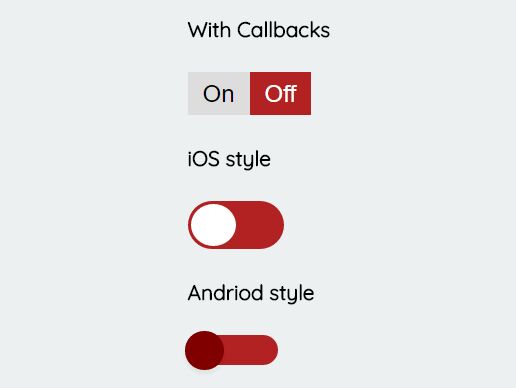
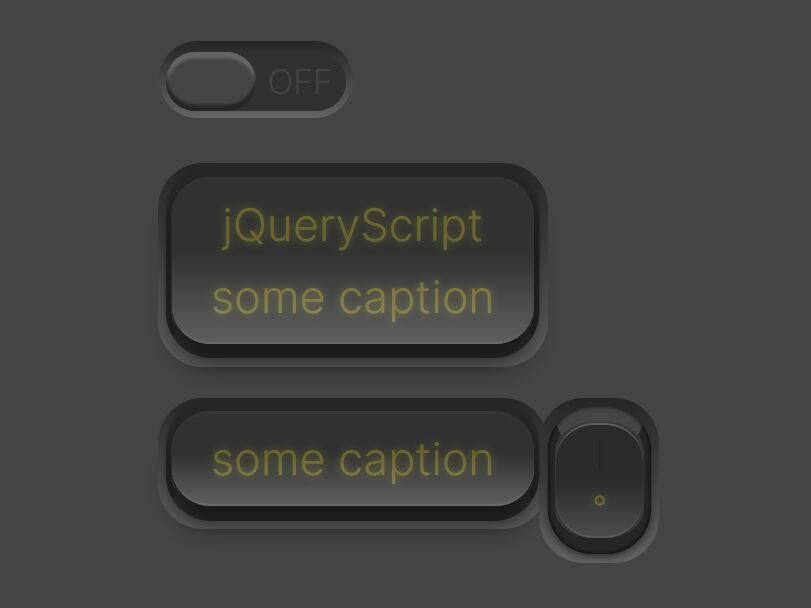
btnSwitch is a simple, customizable jQuery plugin which converts any DIV elements into button or checkbox based on/off toggle switches with custom themes and callbacks support.
How to use it:
1. Load the following JavaScript and CSS files into the html page and we're ready to go.
<link href="jquery.btnswitch.css" rel="stylesheet">
<script src="//code.jquery.com/jquery-3.1.1.slim.min.js"></script>
<script src="jquery.btnswitch.js"></script>
2. Convert the normal DIV element into a default toggle switch which consists of 2 buttons.
<div id="demo"></div>
$('#demo').btnSwitch();
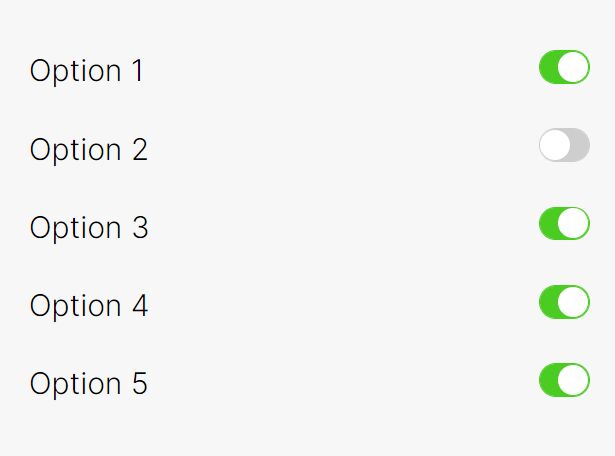
3. Generate an iOS-style, checkbox based toggle switch:
<div id="demo"></div>
$('#demo').btnSwitch({
  Theme: 'Light' // or iOS
});
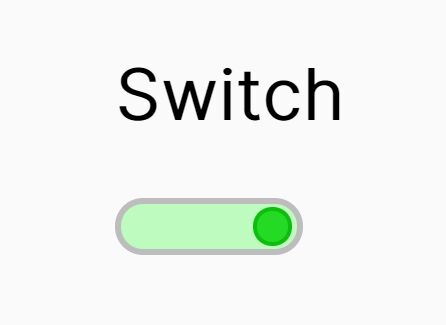
4. Generate an Android-style, checkbox based toggle switch:
<div id="demo"></div>
$('#demo').btnSwitch({
  Theme: 'Android'
});
5. Generate a swipeable, checkbox based toggle switch:
<div id="demo"></div>
$('#demo').btnSwitch({
  Theme: 'Swipe'
});
6. Default plugin options and callback functions:
$('#demo').btnSwitch({

  // Button, Light, Swipe, iOS, Android
  Theme: "Button",

  // on/off text
  OnText: "On",
  OffText: "Off",

  // values of on/off buttons
  OnValue: true,
  OffValue: false,

  // callbacks
  OnCallback: null,
  OffCallback: null,

  // sets the state of the toggle switch
  ToggleState: false,

  // confirm any changes
  ConfirmChanges: false,

  // confirm text
  ConfirmText: 'Are you sure?',

  // hidden input's ID
  HiddenInputId: false

});
Change log:
v1.0.1 (2017-02-07)
- Fixed a bug that affects FireFox users
This awesome jQuery plugin is developed by eman1986. For more Advanced Usages, please check the demo page or visit the official website.